A buyer does not think "the white balance is wrong". They think the house looks old, dirty or cold. A yellow ceiling looks like a smoker's home, a blue wall looks damp and a green tint from the lawn looks unhealthy. Getting colour right is one of the least visible parts of editing and one of the most important.
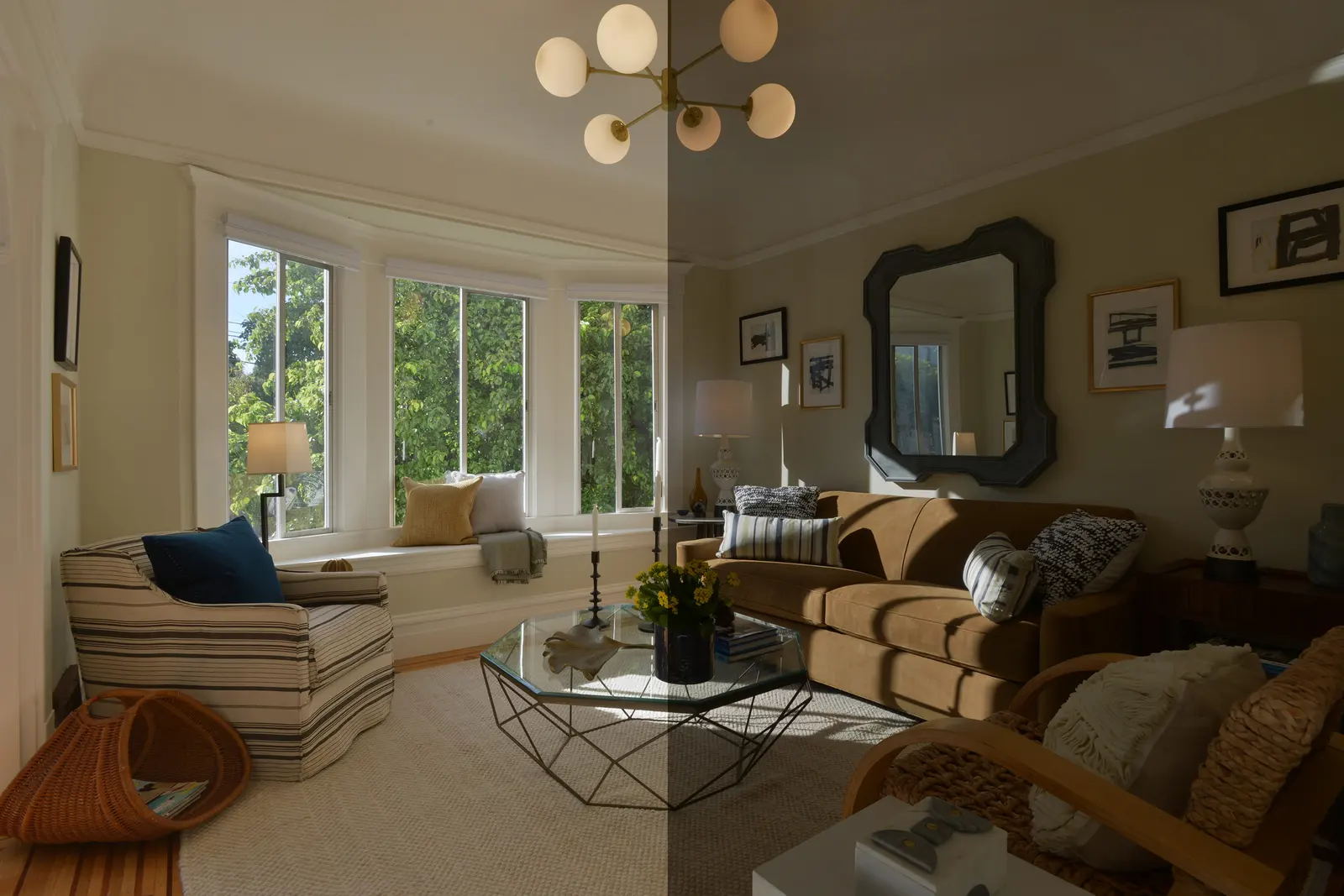
One room, two colours
Many rooms are lit by daylight from the windows and by lamps inside at the same time. Daylight is cool and bluish; most lamps are warm and orange. The camera can set only one white balance for the whole frame, so one side of the room always looks wrong.
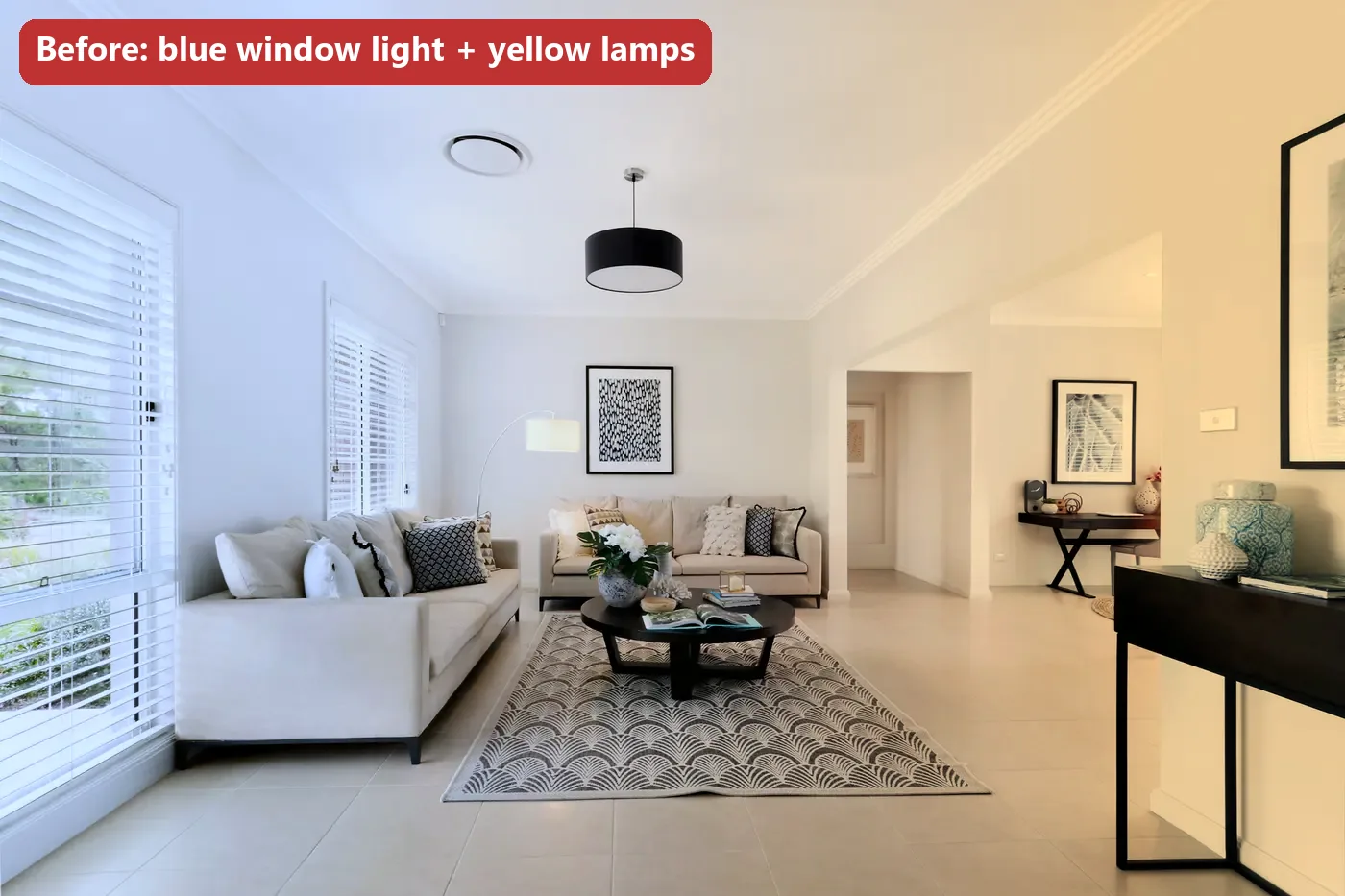
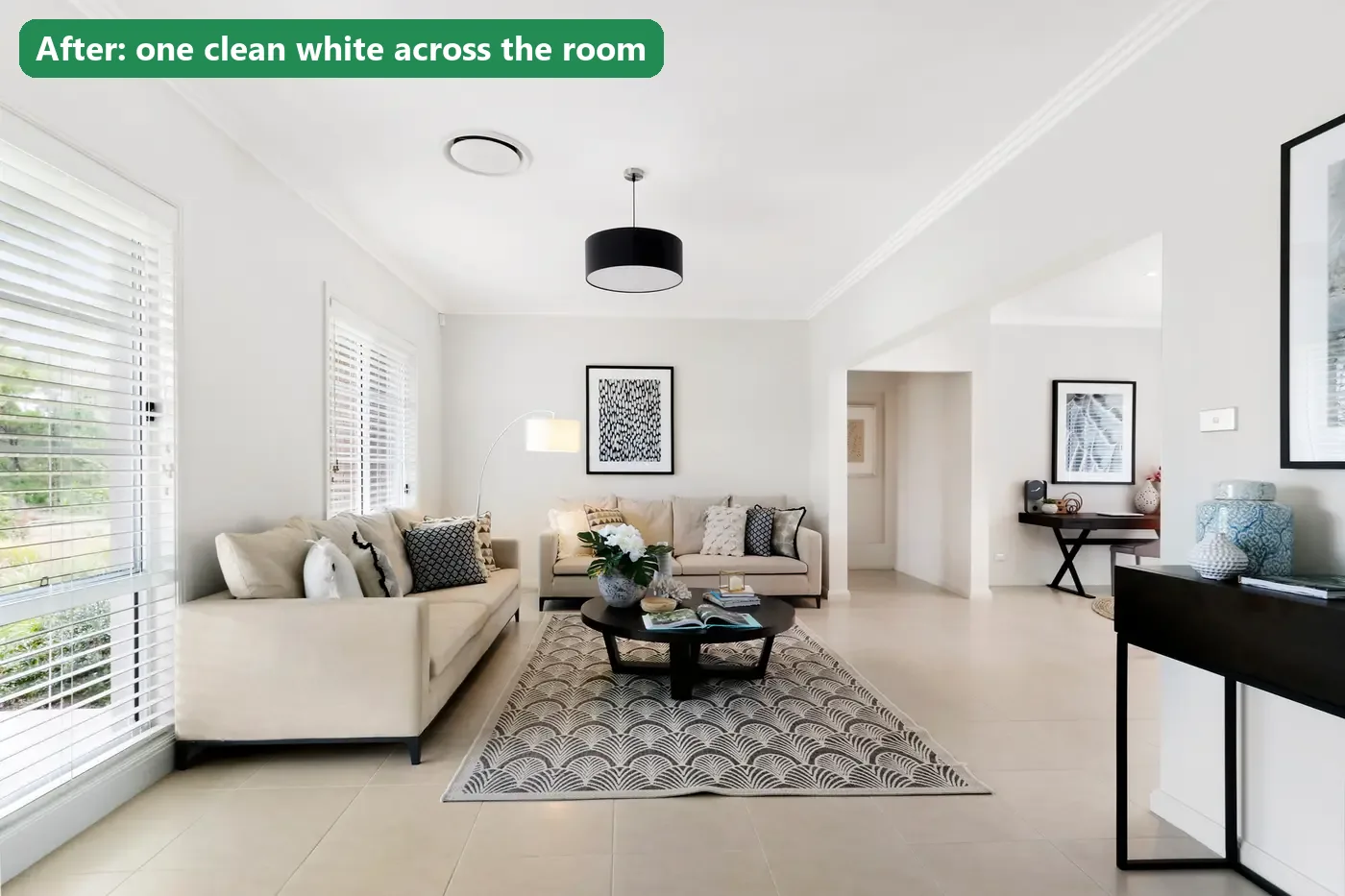
The colour casts we see most
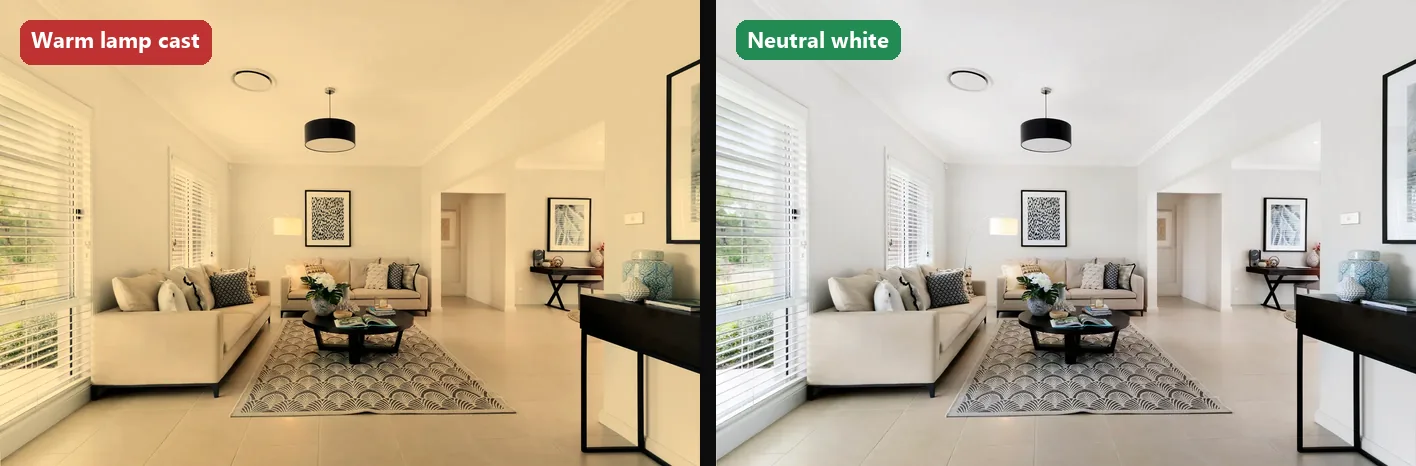
- Yellow or orange from warm bulbs, downlights and pendant lamps.
- Blue from daylight on an overcast day, in shade, or near large windows.
- Green from light bouncing off a lawn, garden or green walls, and from some fluorescent tubes.
- Magenta or pink from some LED strips and cheap bulbs.
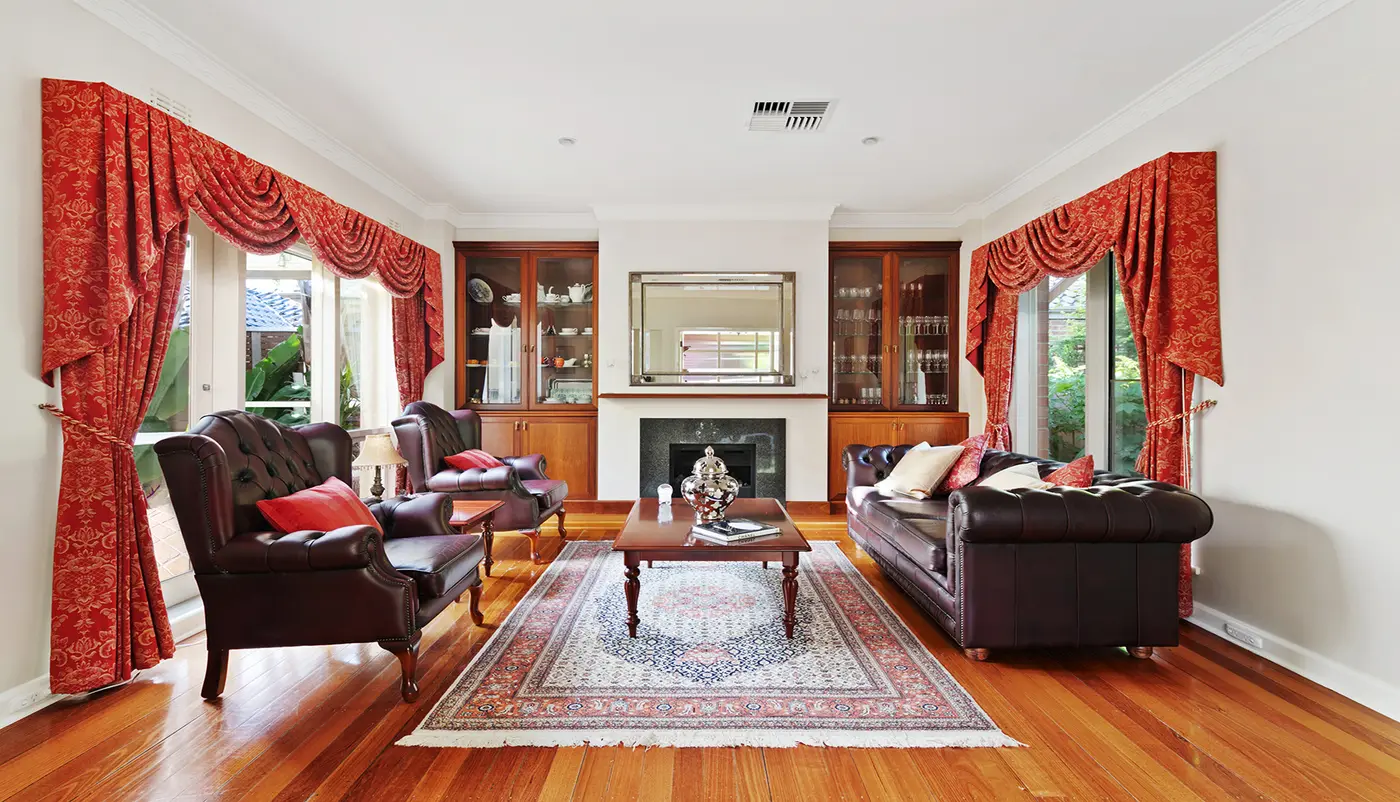
- Colour spill from a strongly coloured wall, rug or curtain onto the white ceiling next to it.
How to shoot for mixed light
- Shoot in RAW if you can. It gives the editor far more room to correct colour cleanly.
- Keep bulbs in one room the same colour. One cool bulb among warm ones is very hard to hide.
- Turn the lights on, usually. Lit lamps make a room feel warm and lived in, and the editor can balance them.
- Shoot brackets, or an ambient frame plus a flash frame, so there is a clean exposure for both the windows and the room. Read HDR vs flambient for how each method handles colour.
- Avoid strong coloured light you cannot control, such as a bright red neon sign through a window, or note it for the editor.
What a professional editor does
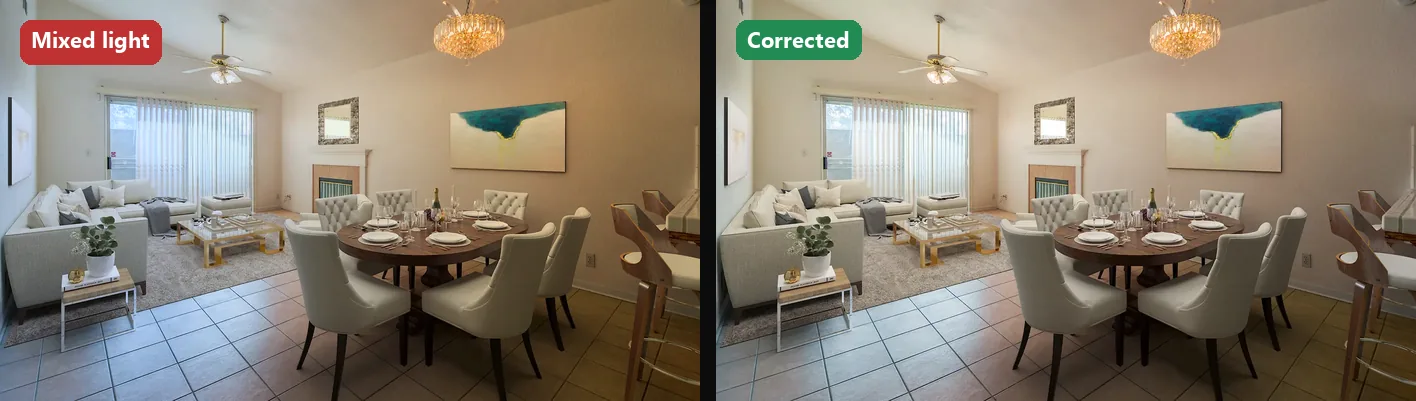
A one-click white balance fixes only one light source. Our editors work area by area:
- Find a true neutral. White ceilings, white walls and white trim are the reference, not the furniture.
- Correct each light zone. The area near the windows and the area under the lamps are balanced separately, then blended so no line shows between them.
- Remove colour spill from lawns, coloured walls and rugs on nearby white surfaces.
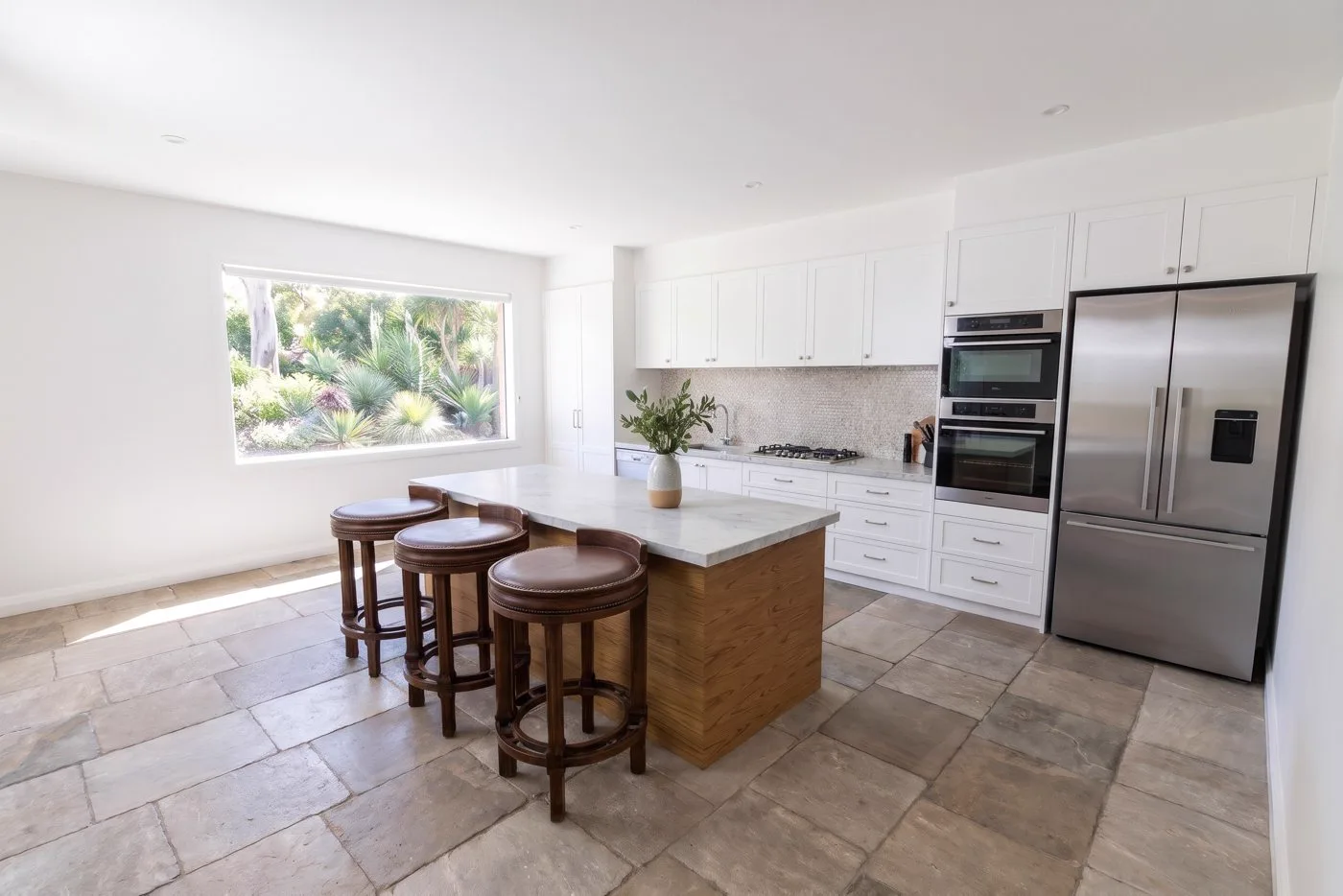
- Keep real colours real. Timber floors stay warm, stone stays stone, the client's sofa keeps its colour.
- Bring in the window view from a darker frame, with natural colour outside. See window pulls and why manual blending still matters.
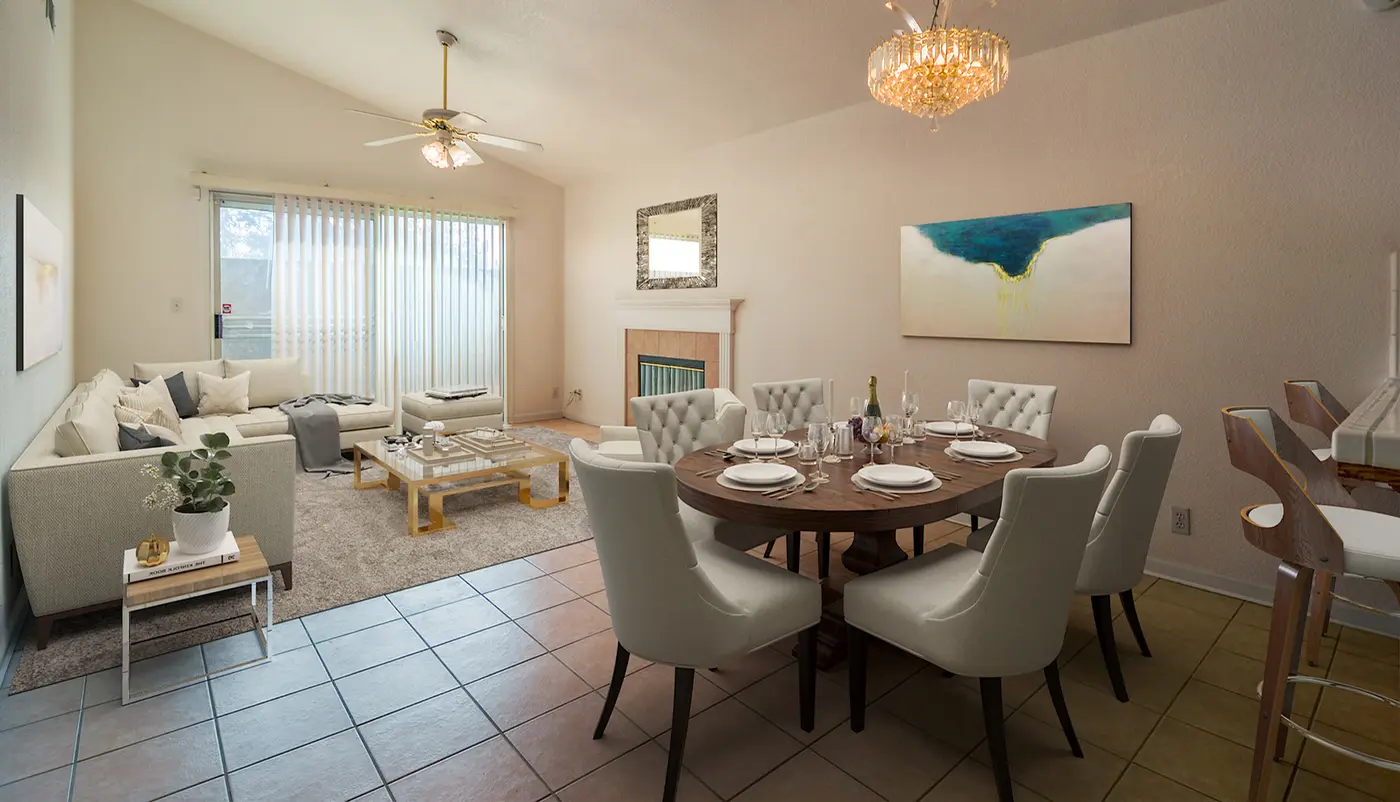
- Match every room of one listing, so the house reads as one home, not a mix of photos from different days.
Then a separate QC editor checks colour again on every photo before delivery.
When warm is the right choice
Not every photo should be perfectly neutral. A twilight exterior or an evening interior is meant to glow, and some agencies like a slightly warmer, cosier look across all their listings. That is a style choice, not a mistake. Put it in your style guide and we apply it the same way on every order. Read more about day to dusk editing and how we keep your style.
A quick colour checklist
- Do the ceiling and white walls look white, not yellow, blue or green?
- Is the colour the same near the windows and deeper in the room?
- Are timber, stone and fabrics their real colours?
- Is there green or pink spill on white surfaces?
- Do all the rooms of one listing match each other?
Let our editors balance your next shoot
Colour correction, window detail and straight lines are part of every photo our editors work on. See our human editing services, or send three photos for a free test edit and see the difference clean colour makes.