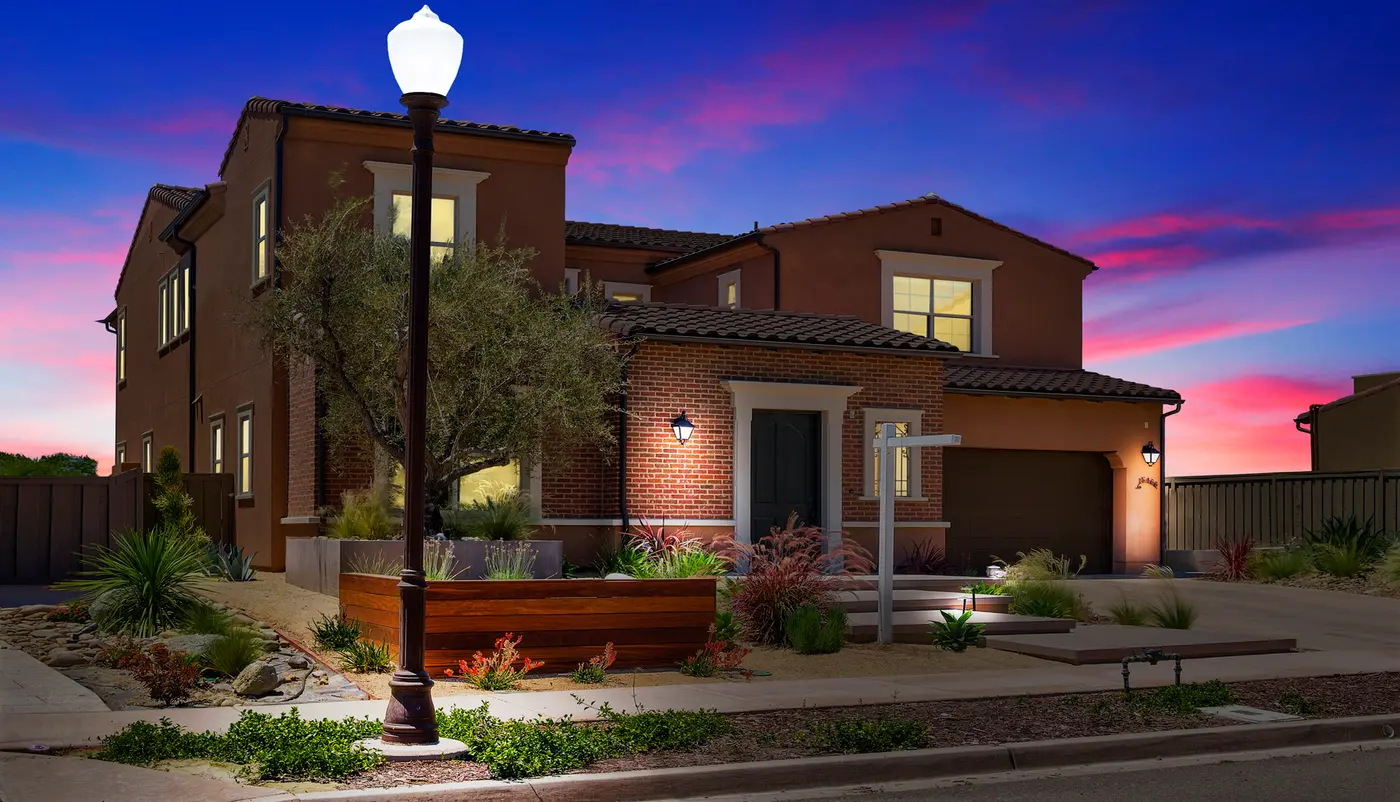
The same house can look fresh, warm or calm and elegant, and the only thing that changes is the light. The front exterior is the photo buyers see first, so the light you choose matters. Below we compare three looks Studio AI makes from one ordinary daytime photo, and explain when each one works best.
The same home, three moods
All three photos below started as one daytime photo of the same home, taken on a grey, flat day. Nothing about the house was changed: only the sky, the light and the shadows.
1. Blue sky: fresh and clear
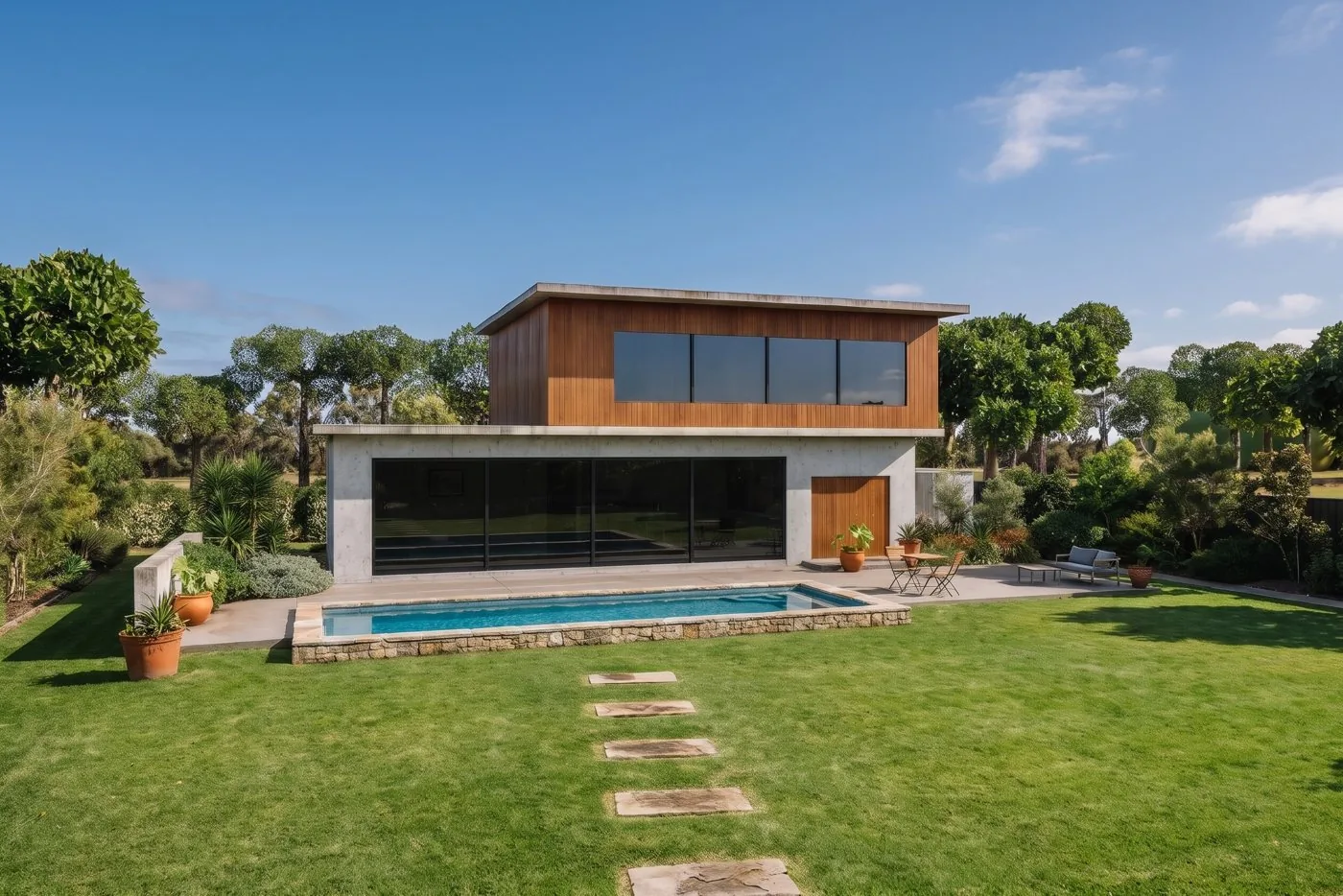
The grey sky becomes a clear blue sky with a few soft white clouds, and the light on the house is matched so it does not look pasted in.
Use it when: you want the classic listing look that works on every portal, for every type of home. It is the safest choice for a full set, because it matches the rest of the daytime photos.
2. Golden hour: warm sun and real shadows
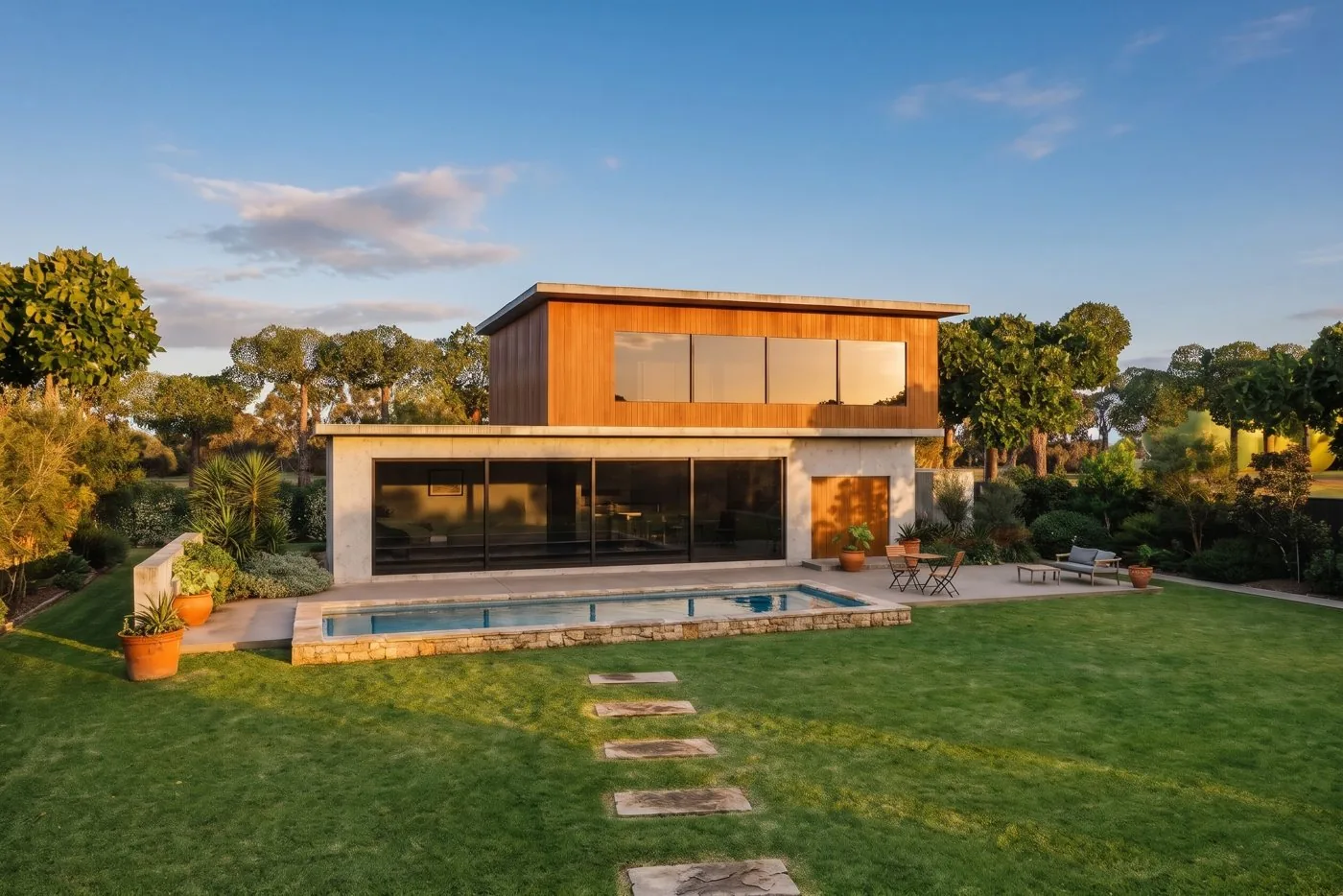
This is more than a new sky. Studio AI relights the whole photo as if it was taken on a clear afternoon: sunlight comes from one direction, surfaces facing the sun glow a little, and real shadows fall across the lawn and the house. The light stays natural, never orange.
Use it when: the original was shot on an overcast day and the photo looks flat. Shadows give the home depth and shape, and the warm light makes the garden feel inviting. It is also the look Studio AI's automatic mode picks for a grey-day exterior.
3. Soft dusk: calm and elegant
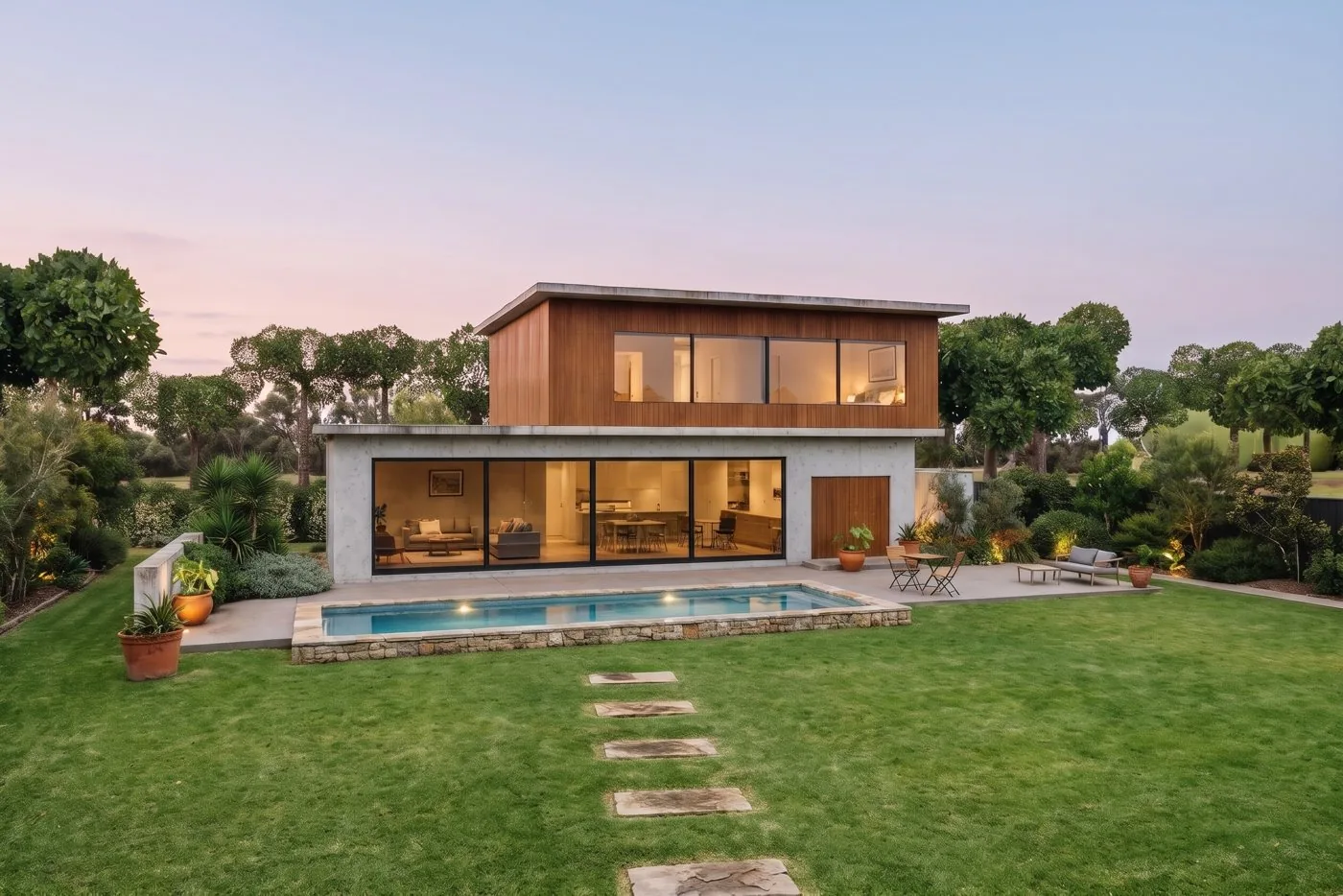
The sky fades from soft blue to peach and pink near the horizon, the windows glow a gentle warm amber and the existing outdoor lights come on. The garden stays bright and green, and the hard daytime shadows are removed, so it looks like a real photo taken just after sunset.
Use it when: you want the front photo to stand out from the daytime photos around it, without the strong, dramatic look of a deep blue twilight. It suits family homes, coastal homes and homes with a nice garden.
Want more drama? Cobalt twilight
Studio AI also has a fourth look, Cobalt Twilight: a deep blue sky with a fiery afterglow and every window glowing, the classic luxury "day to night" photo. It is the strongest of all, best for premium homes and homes with large windows. Read more in what is day to dusk photo editing.
Quick guide: which one to choose
| Blue Sky | Golden Hour | Soft Dusk | |
|---|---|---|---|
| Feeling | Fresh, clear | Warm, sunny | Calm, elegant |
| Best for | Every listing, the full set | Grey-day photos that look flat | The front photo, family and garden homes |
| What changes | Sky and matching light | Sky, sunlight and shadows | Sky, light, glowing windows and lights |
| Stands out in a list | A little | More | Most |
Tips for a good result
- Start from a sharp, well-exposed daytime photo. The AI changes the light, not the detail. A blurry or very dark photo will still look blurry or dark.
- Use one look for the front photo, not a mix. Pick the look for the lead image and keep the other exteriors in the same daytime light.
- Do not show sunshine and dusk side by side as the same moment. Buyers notice when the light does not make sense across a set.
- Turn on the real lights when you shoot, if you can. For the dusk looks, the AI only lights windows and lamps that are there.
- Check the edges. Look at the roofline, trees and wires before you publish. If something looks wrong, run it again.
For more rules on skies, such as never repeating the same clouds in a set, read our sky replacement rules.
Want a human to do it?
If you prefer every exterior hand-finished by an editor, our team does sky replacement and day to dusk by hand, with a free test edit. See our human editing services. For fast results in your browser, see every product in the Studio AI overview.
Try it on your next listing
Studio AI is launching soon, and new accounts get free credits to try it. Take the front photo from your next listing and see it in all three moods before you choose.