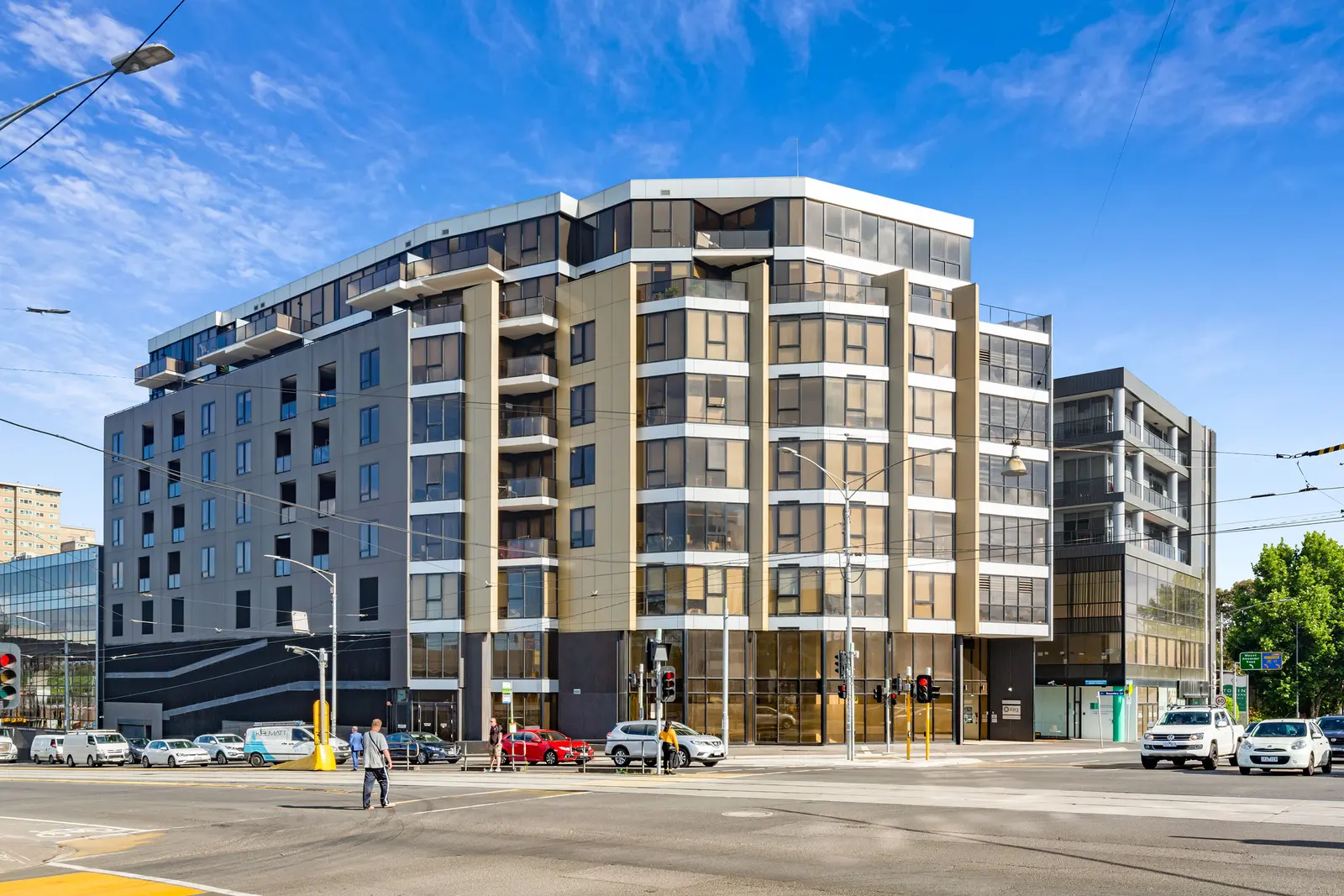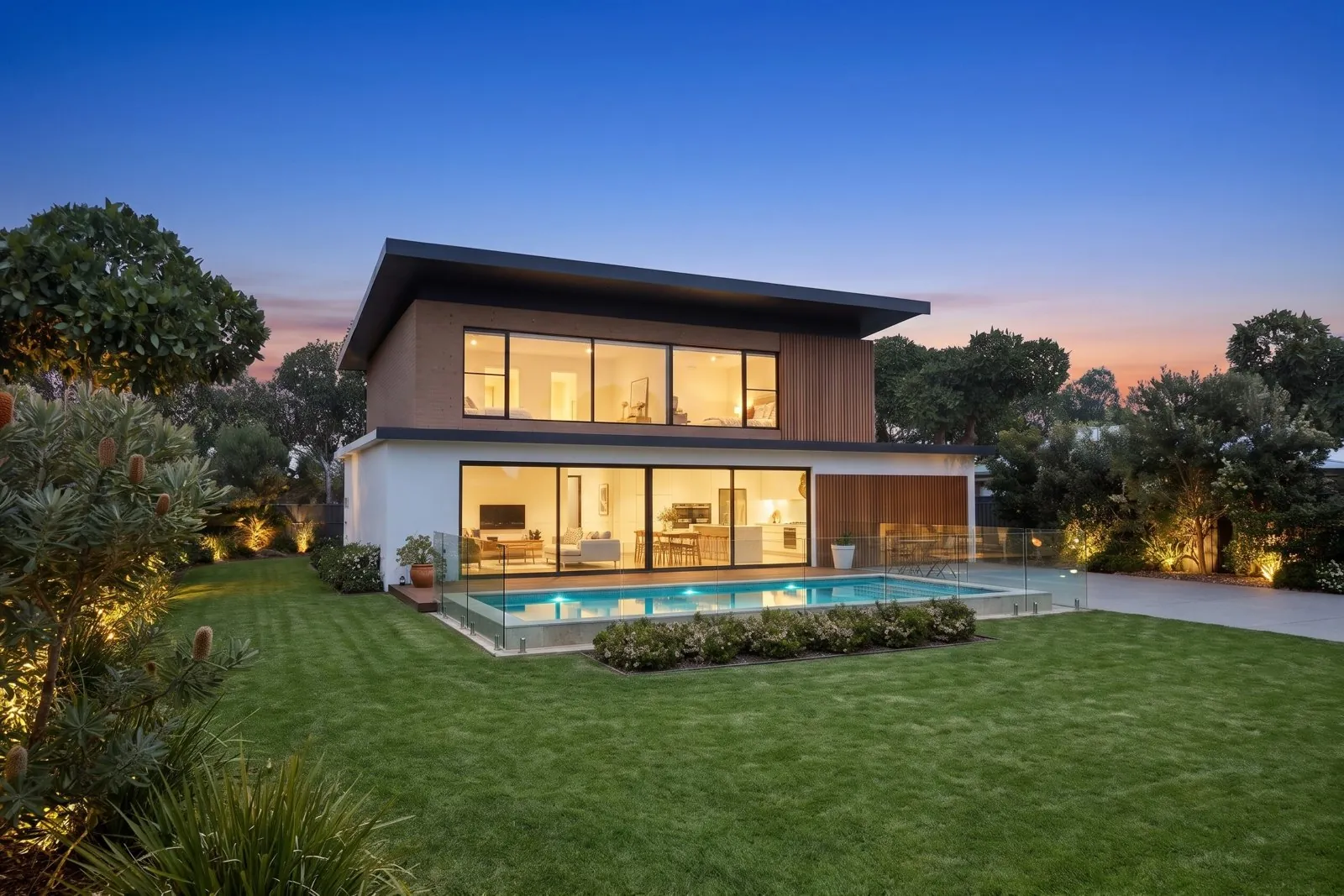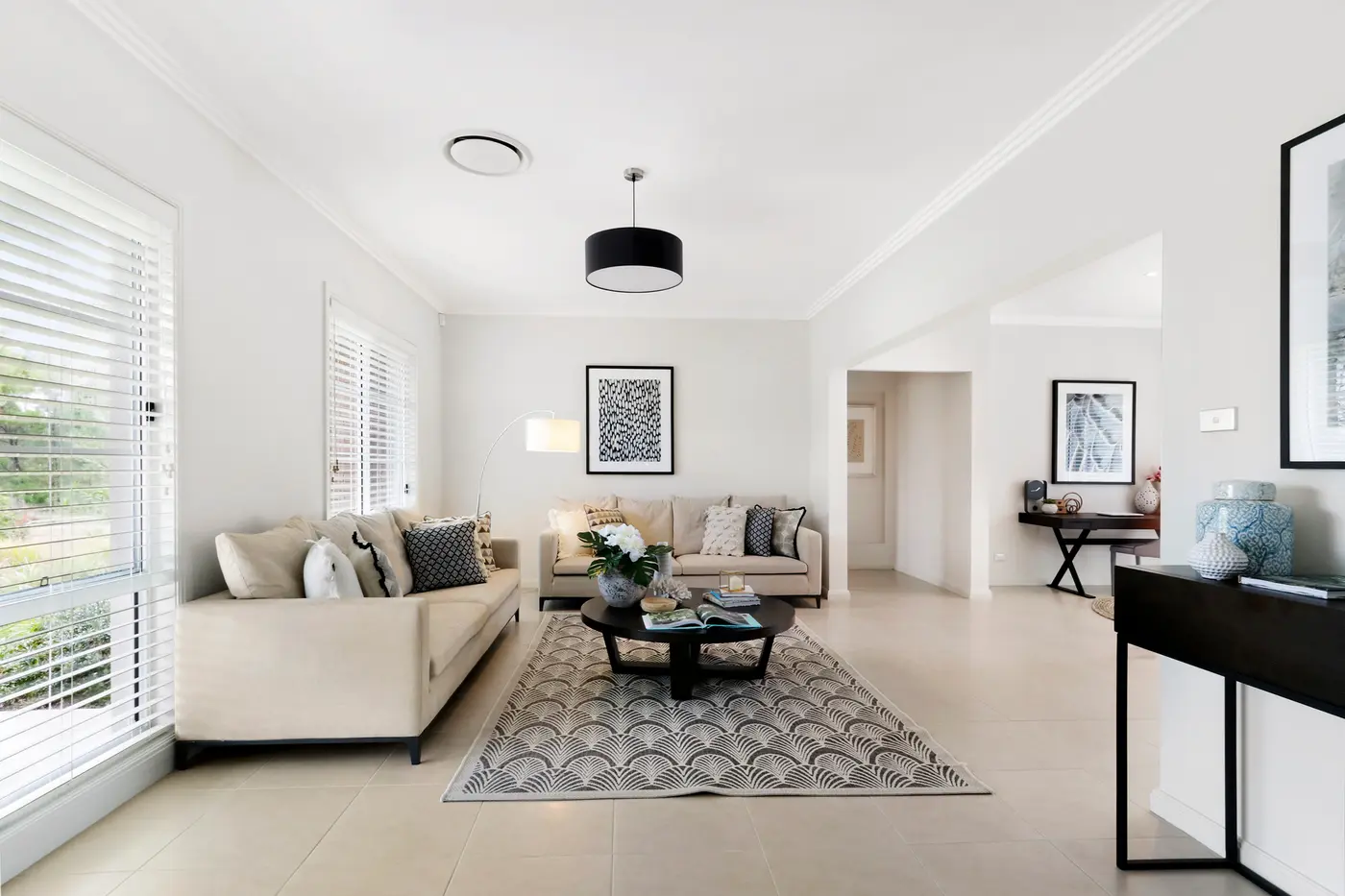
Studio AI by We-Edit is a self-serve app that turns your listing photos into finished marketing: edited photos, staged rooms, videos, social clips, a property website and floor plans. Everything runs in your browser, results arrive in minutes, and every product name starts with "AI" so you always know the work is done by AI, not by our human editors.
Below is every product, with real samples made in the app.
1. AI Photo Editing
Fix and improve listing photos in one click: twilight, late afternoon light, added sunshine, blue sky replacement, green grass, window views, a fire in the fireplace, decluttering and removing the photographer from mirrors. Auto mode looks at each photo and picks the right fixes for you.
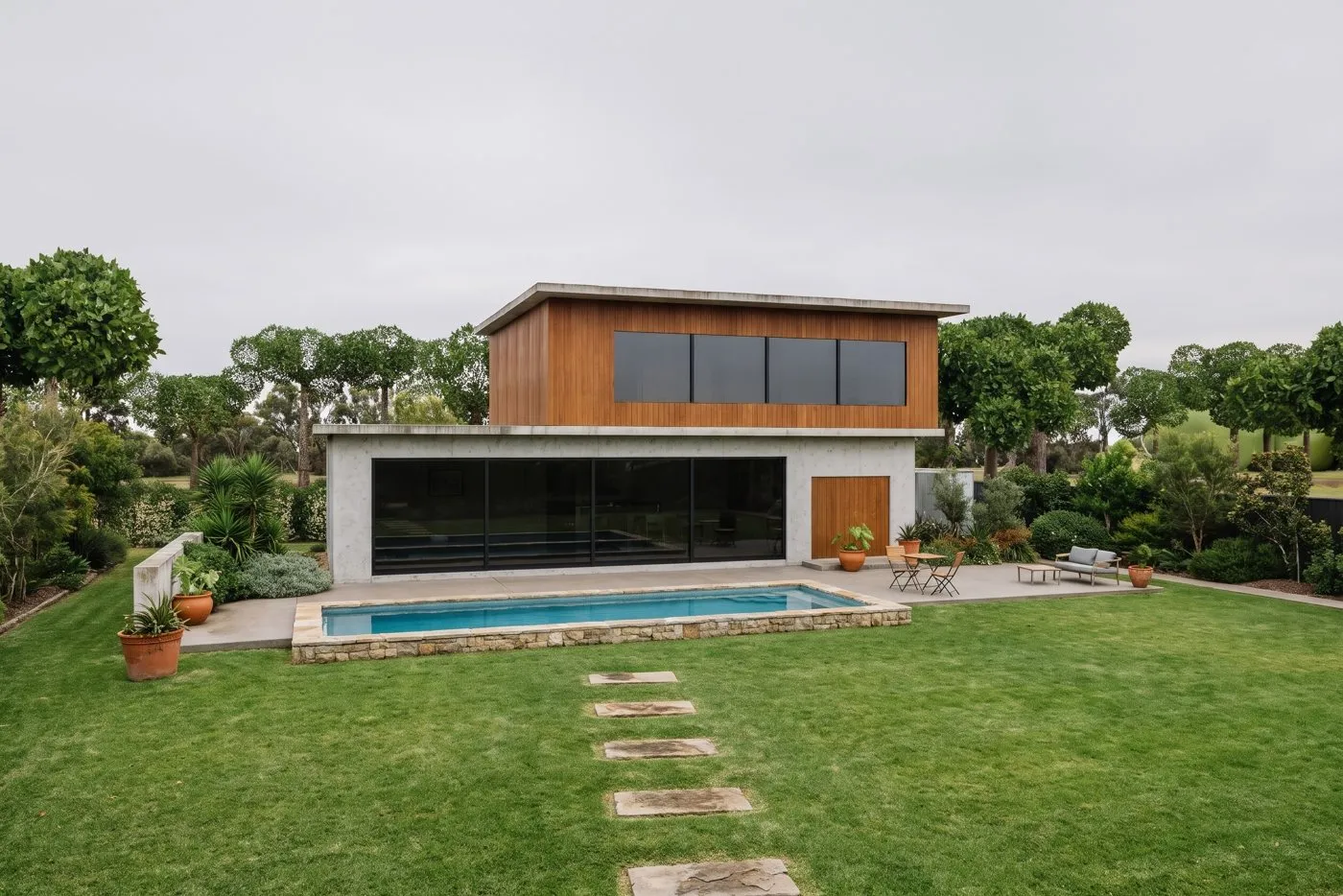
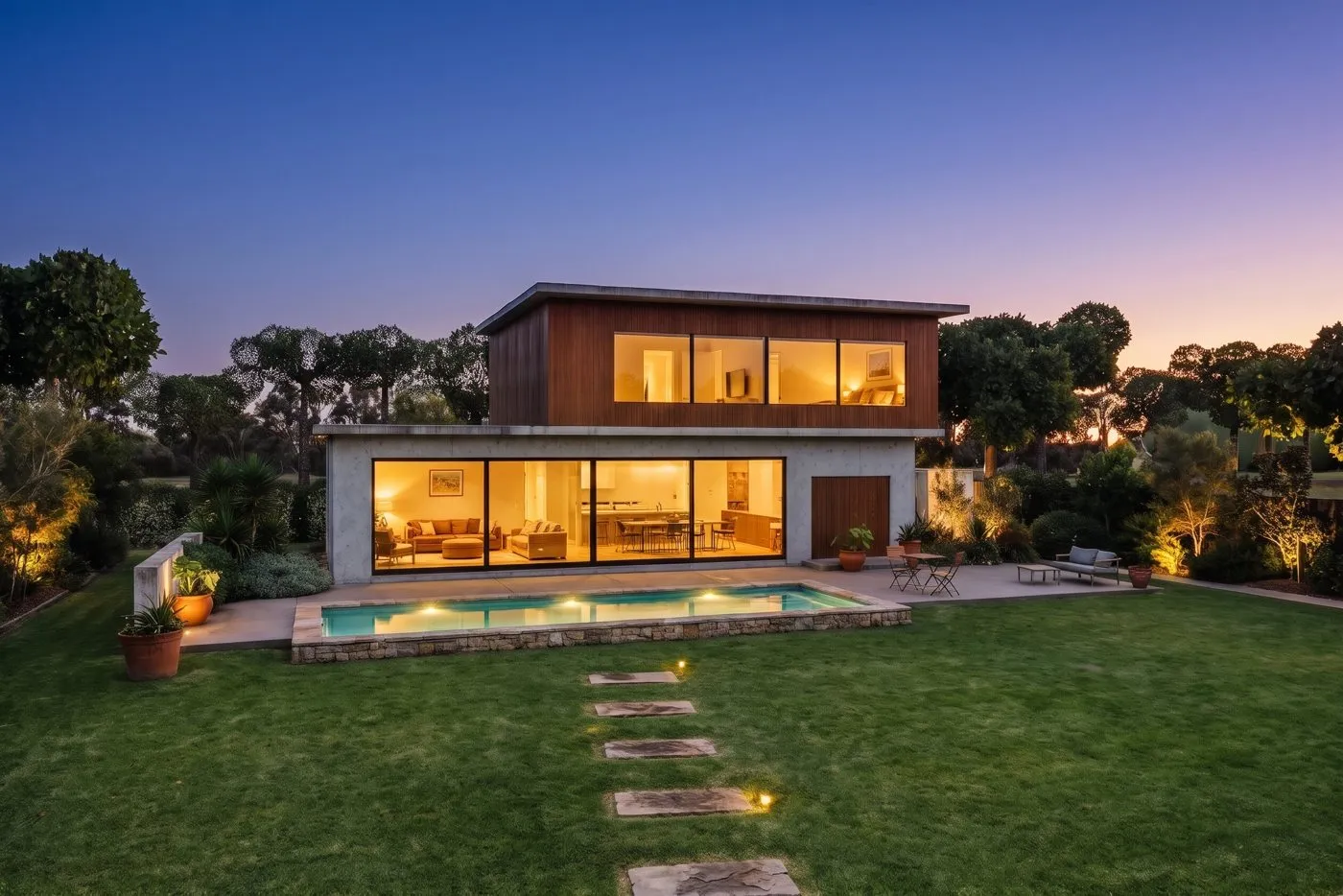
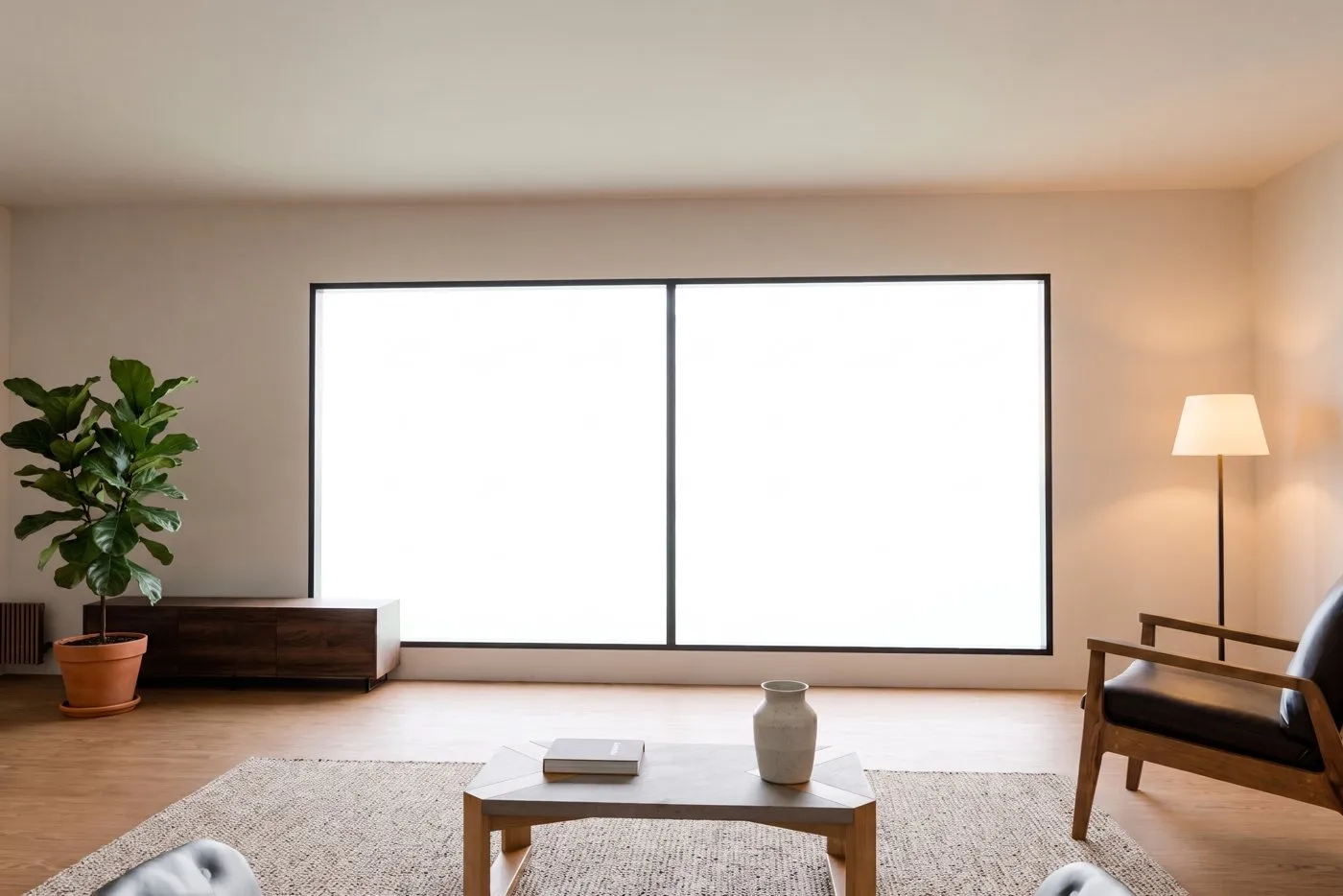
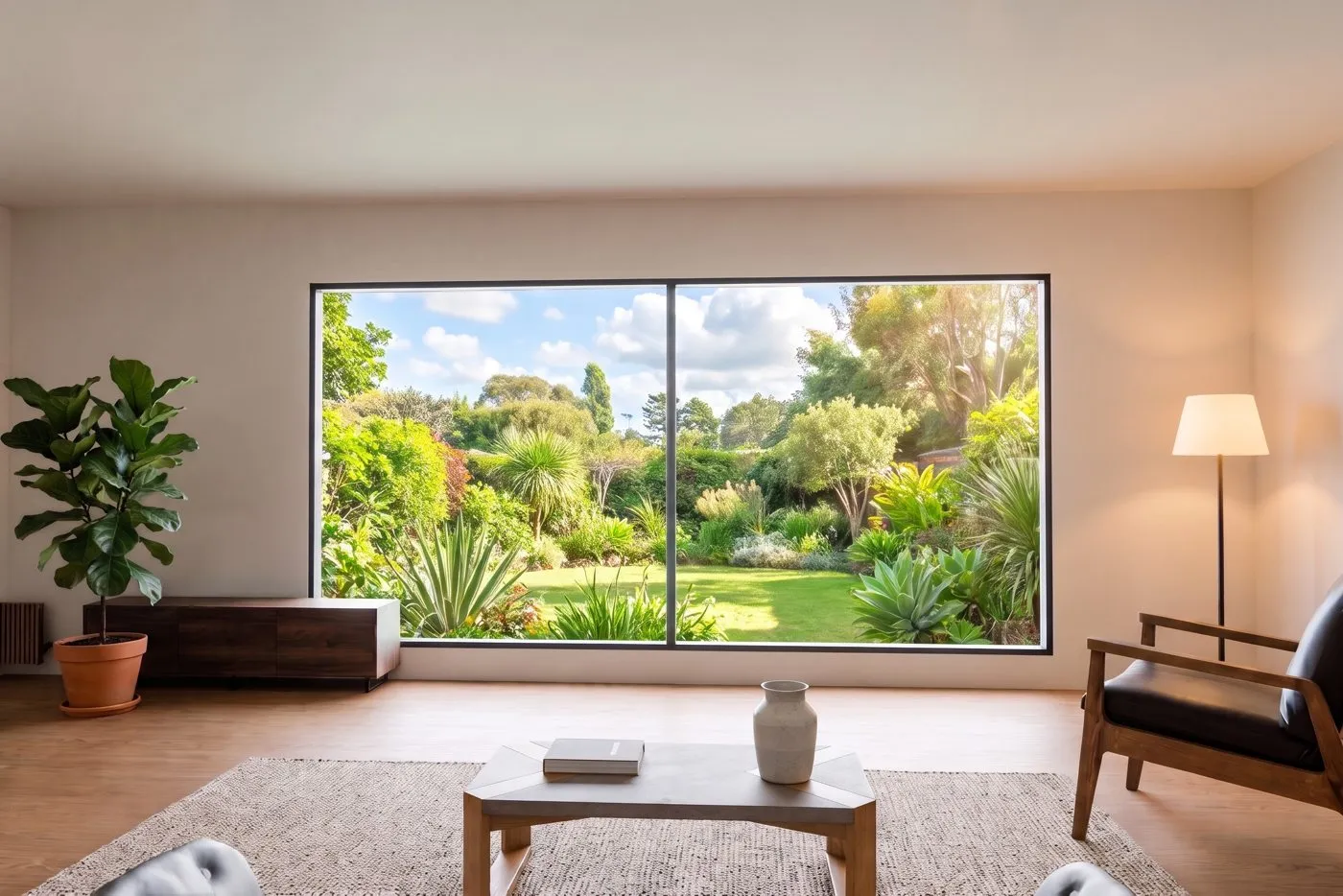
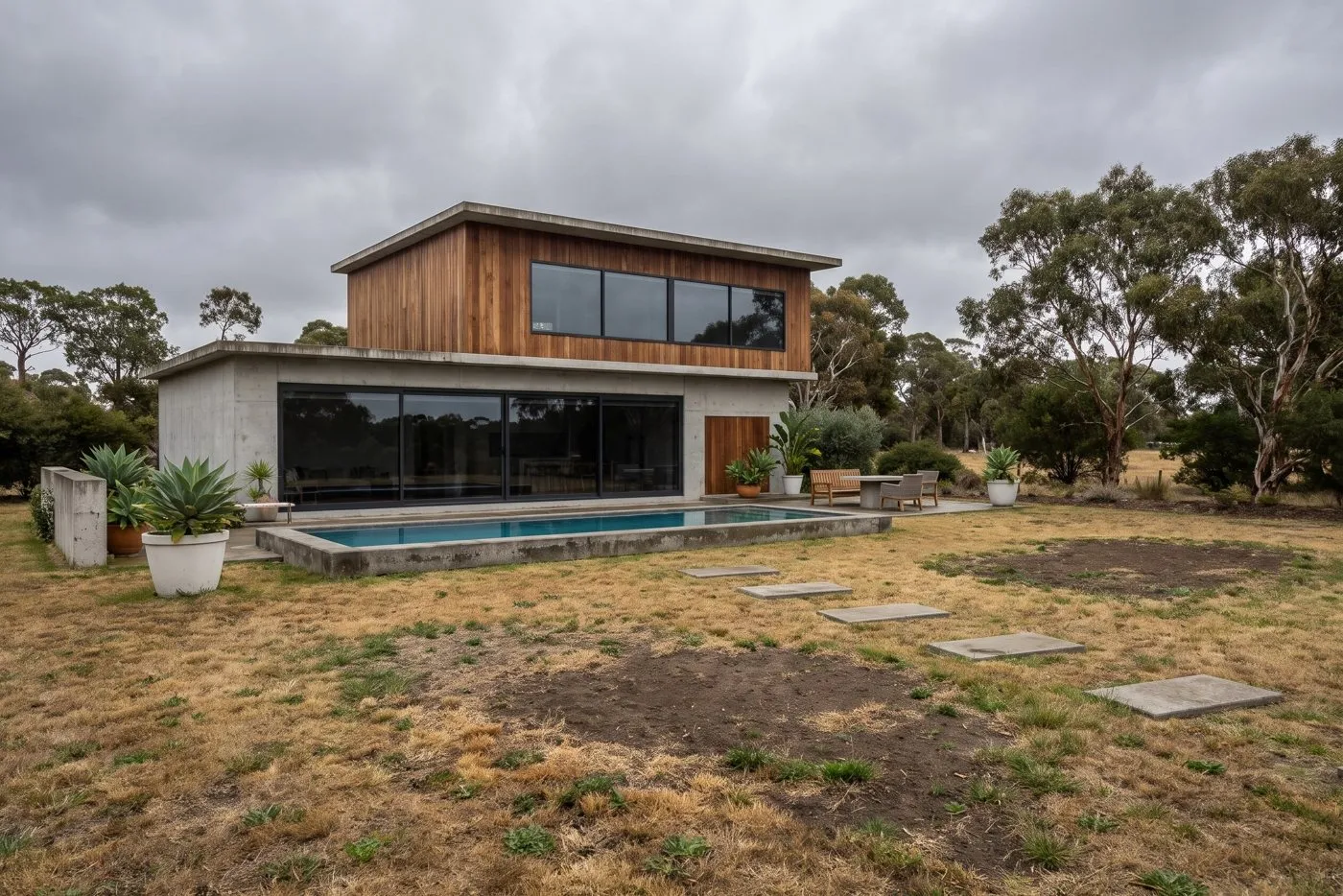
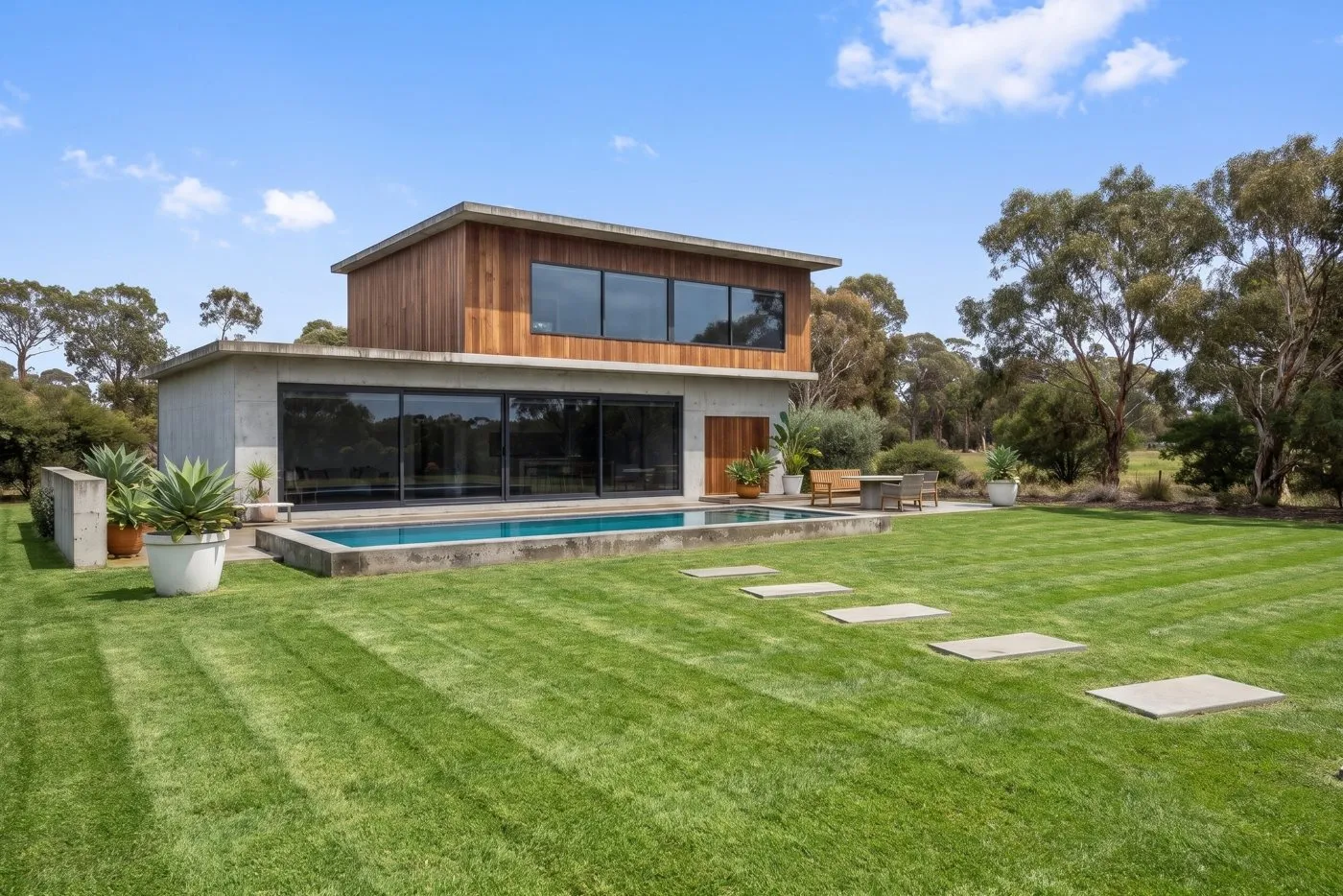
Downloads keep your original file names, in 1K, 2K or 4K. Choose Standard for fast everyday edits or Pro for more detail on harder photos.
2. AI Virtual Staging & Renovation
Furnish empty rooms, empty out furnished ones, or preview a renovation: new flooring, freshly painted walls, new kitchen cabinets or a new facade. You can pick several styles at once and compare them side by side.
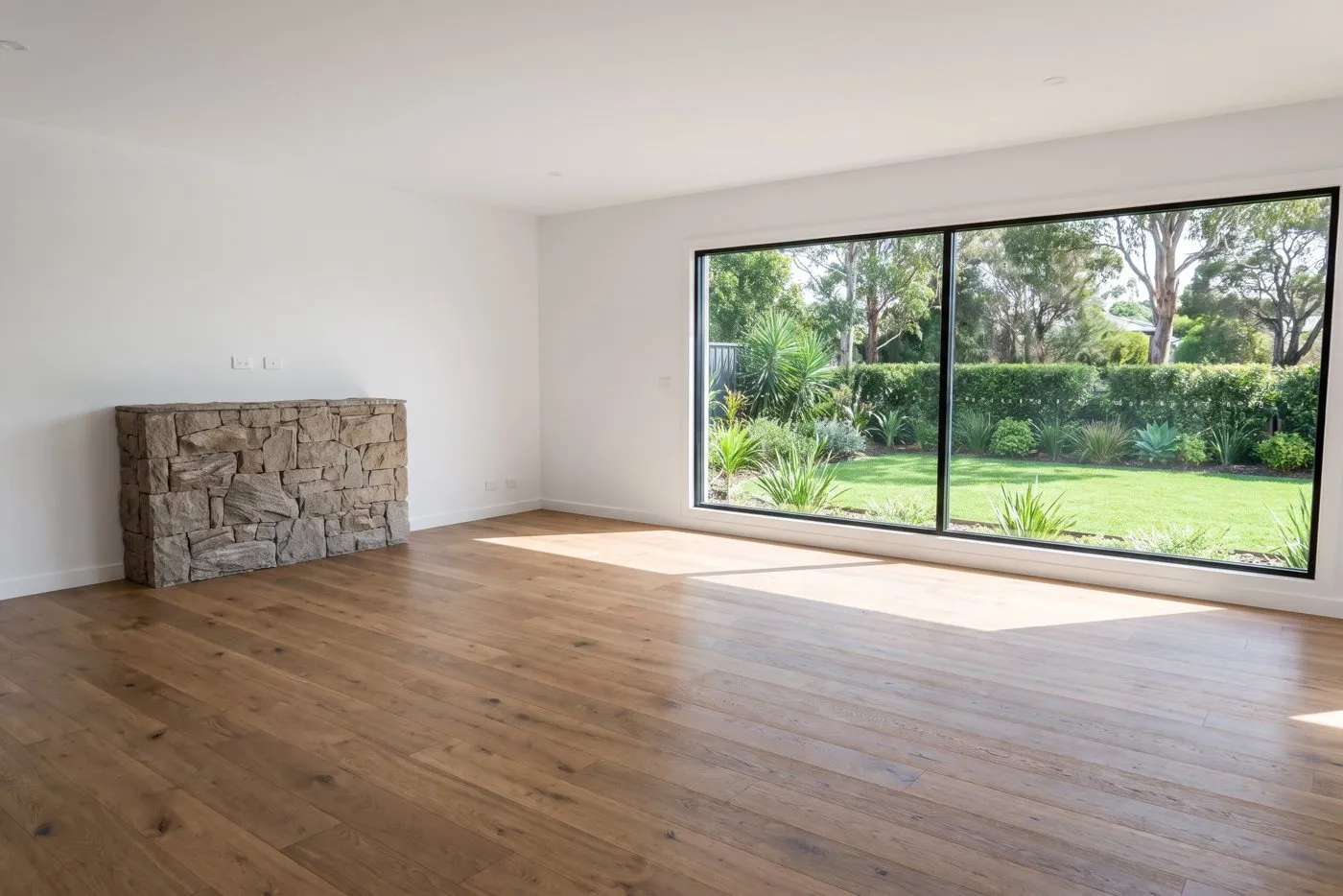
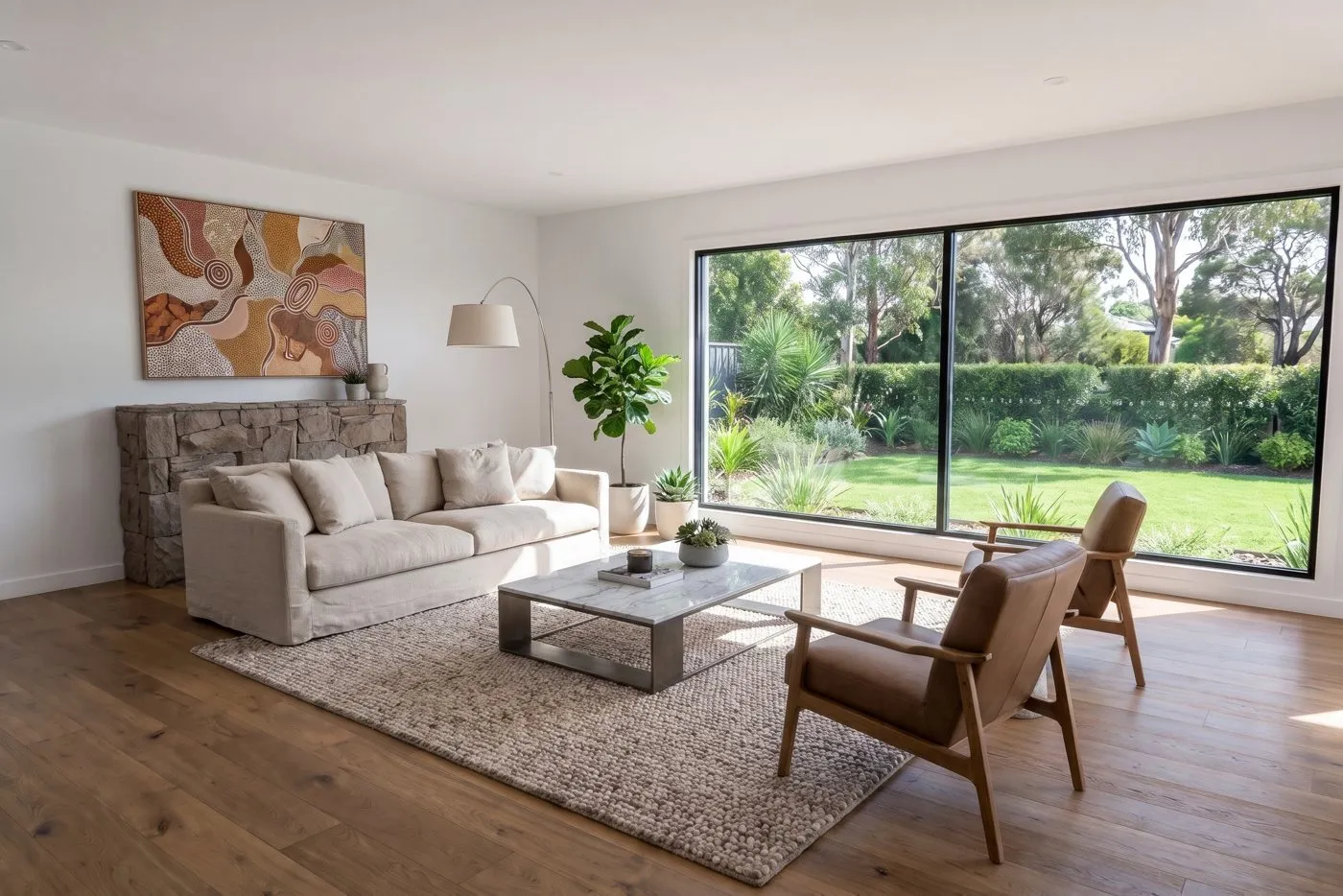
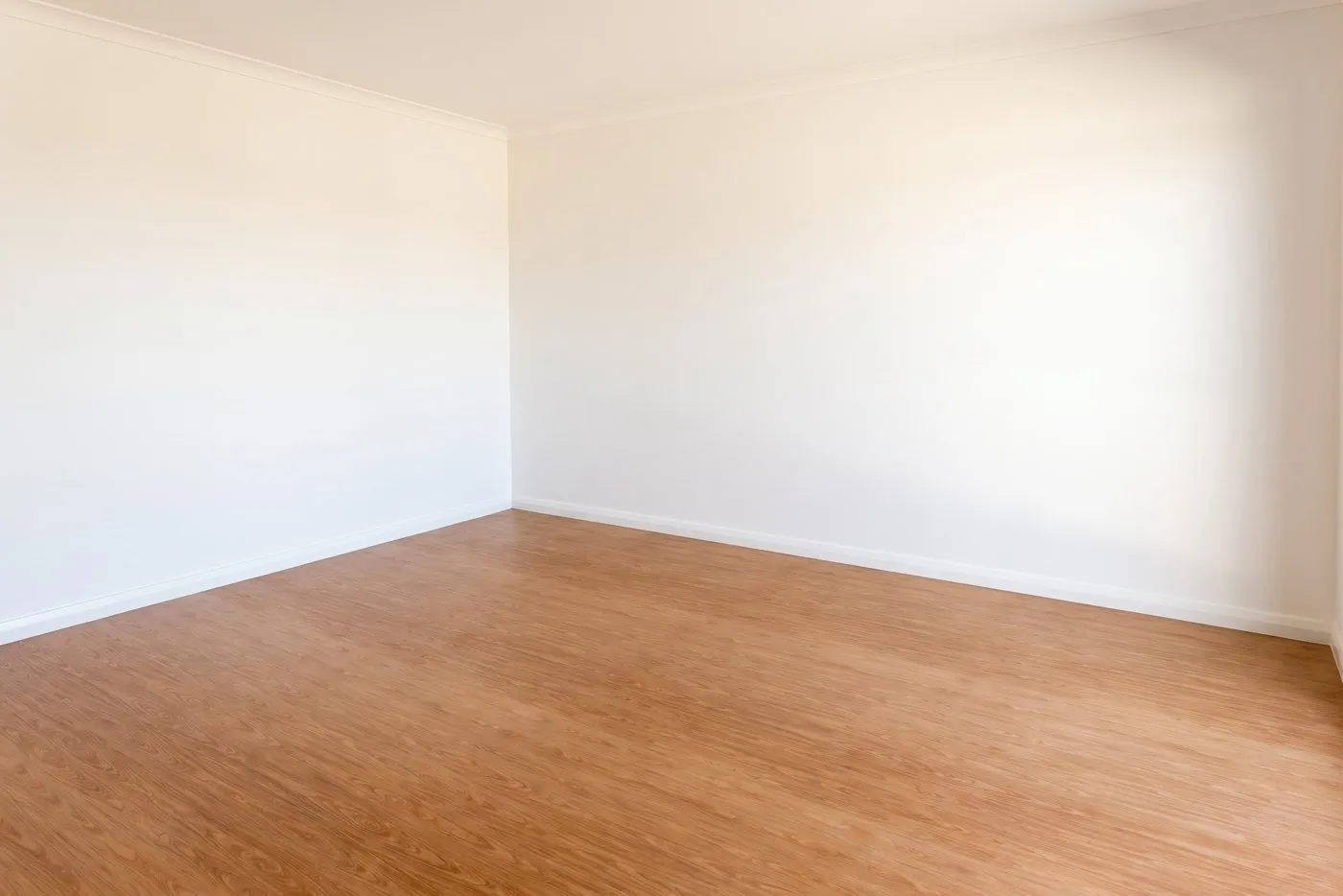
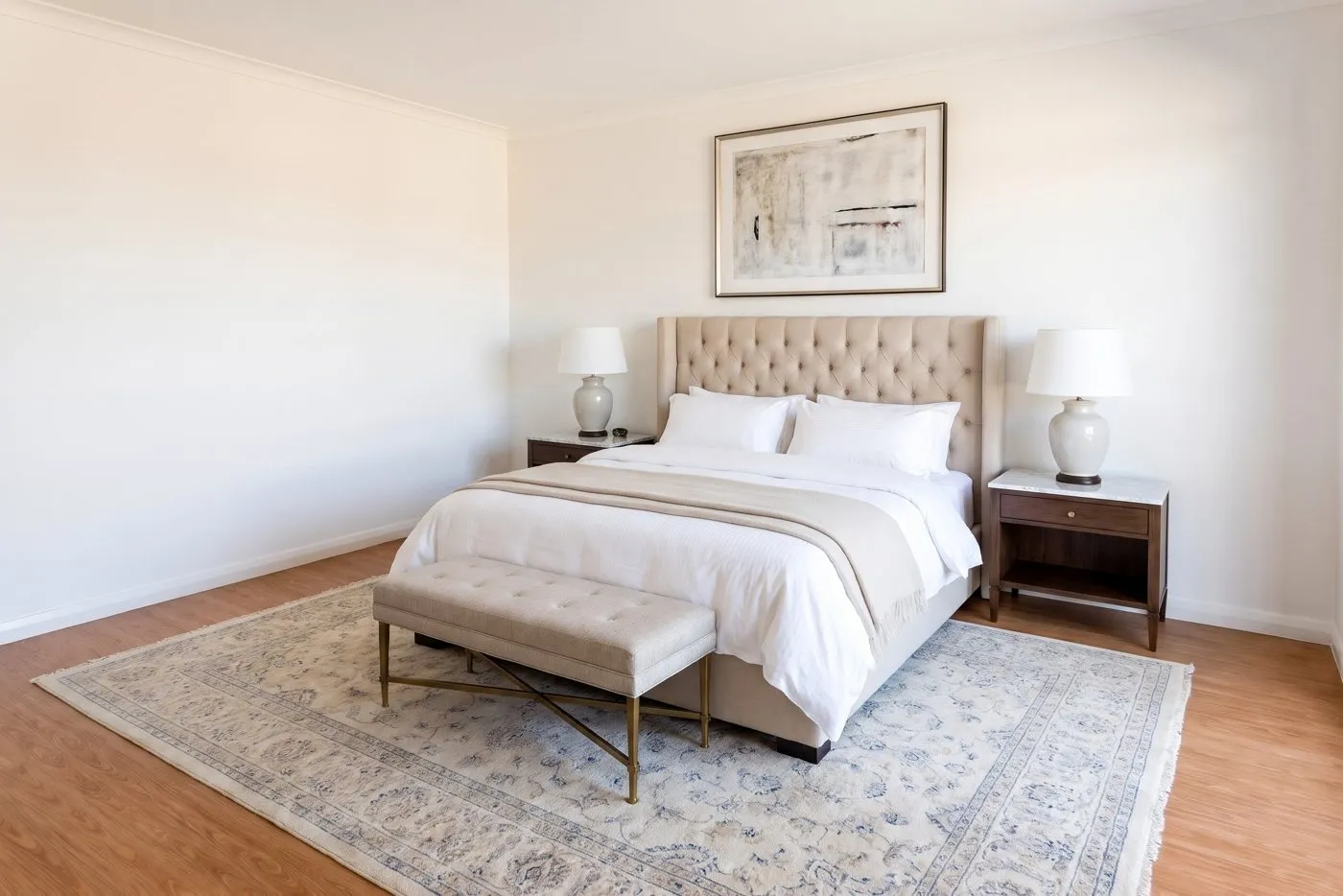
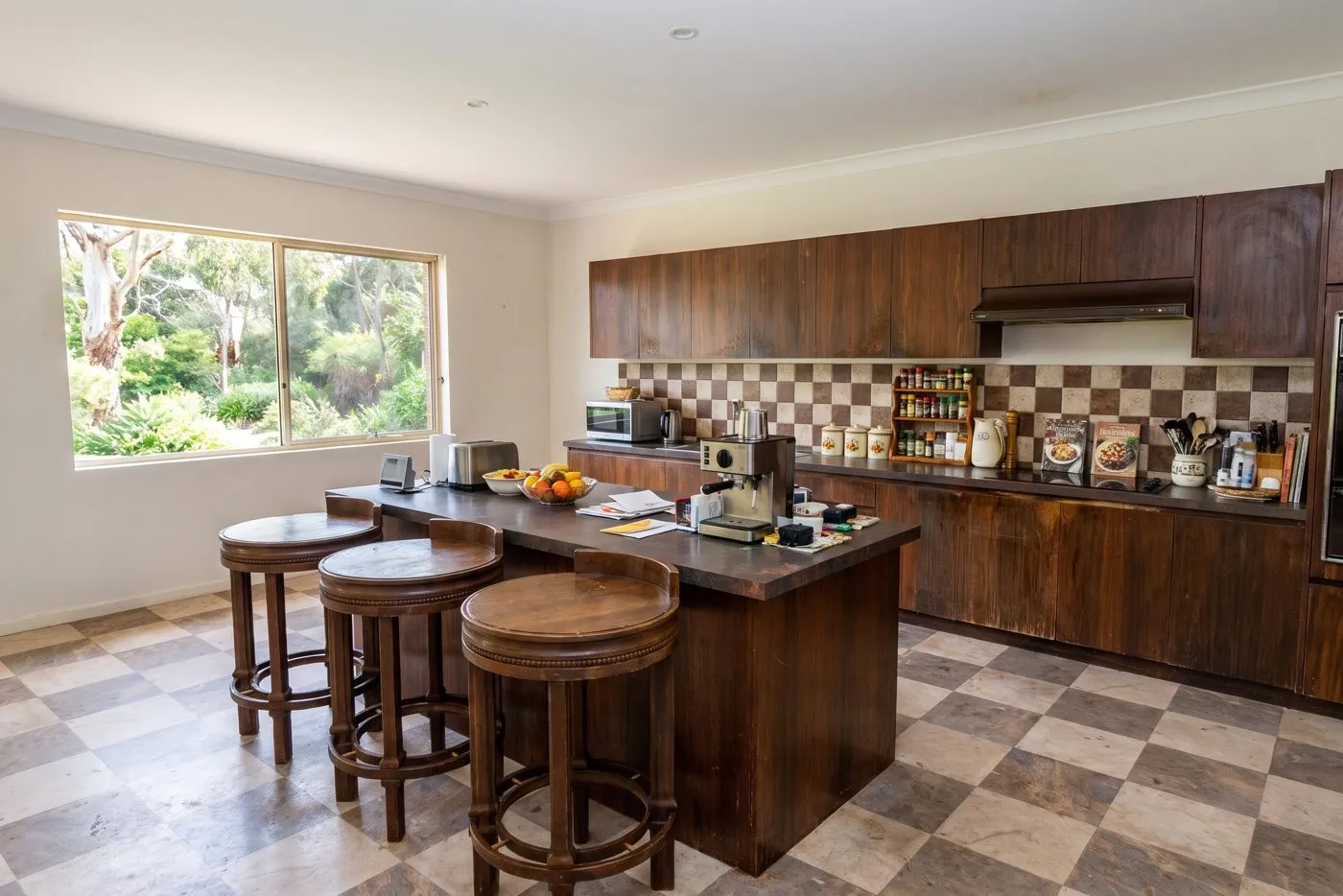
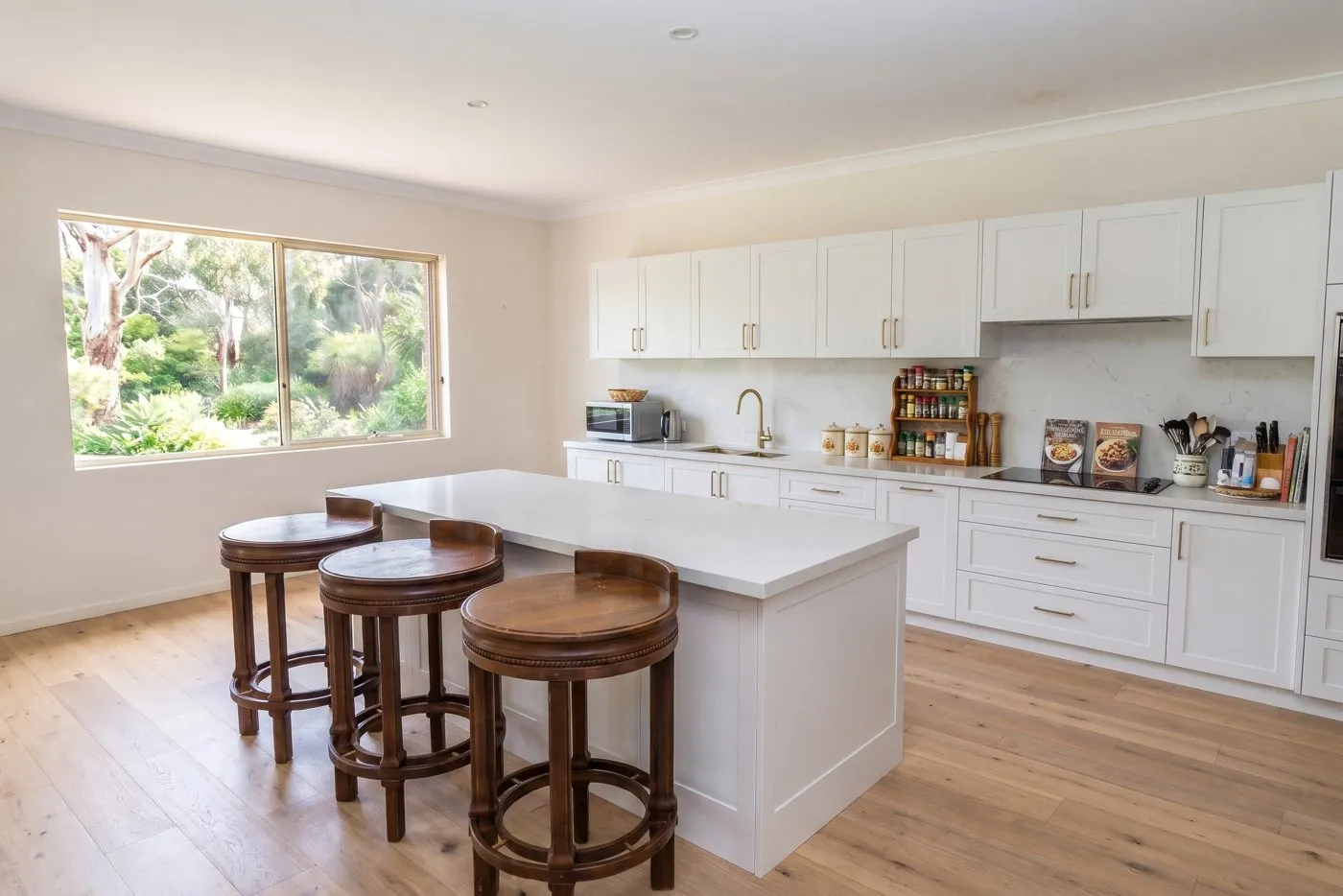
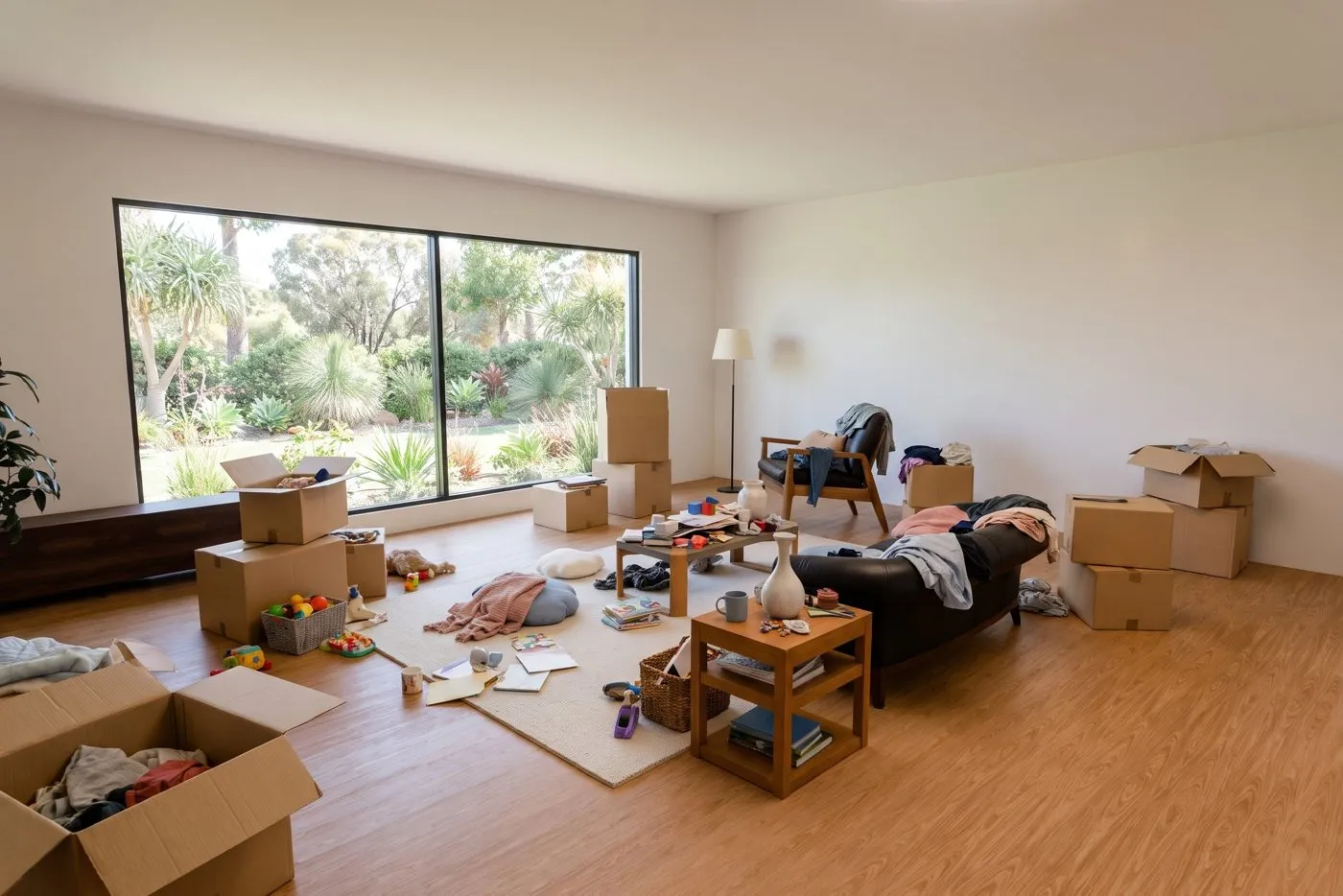
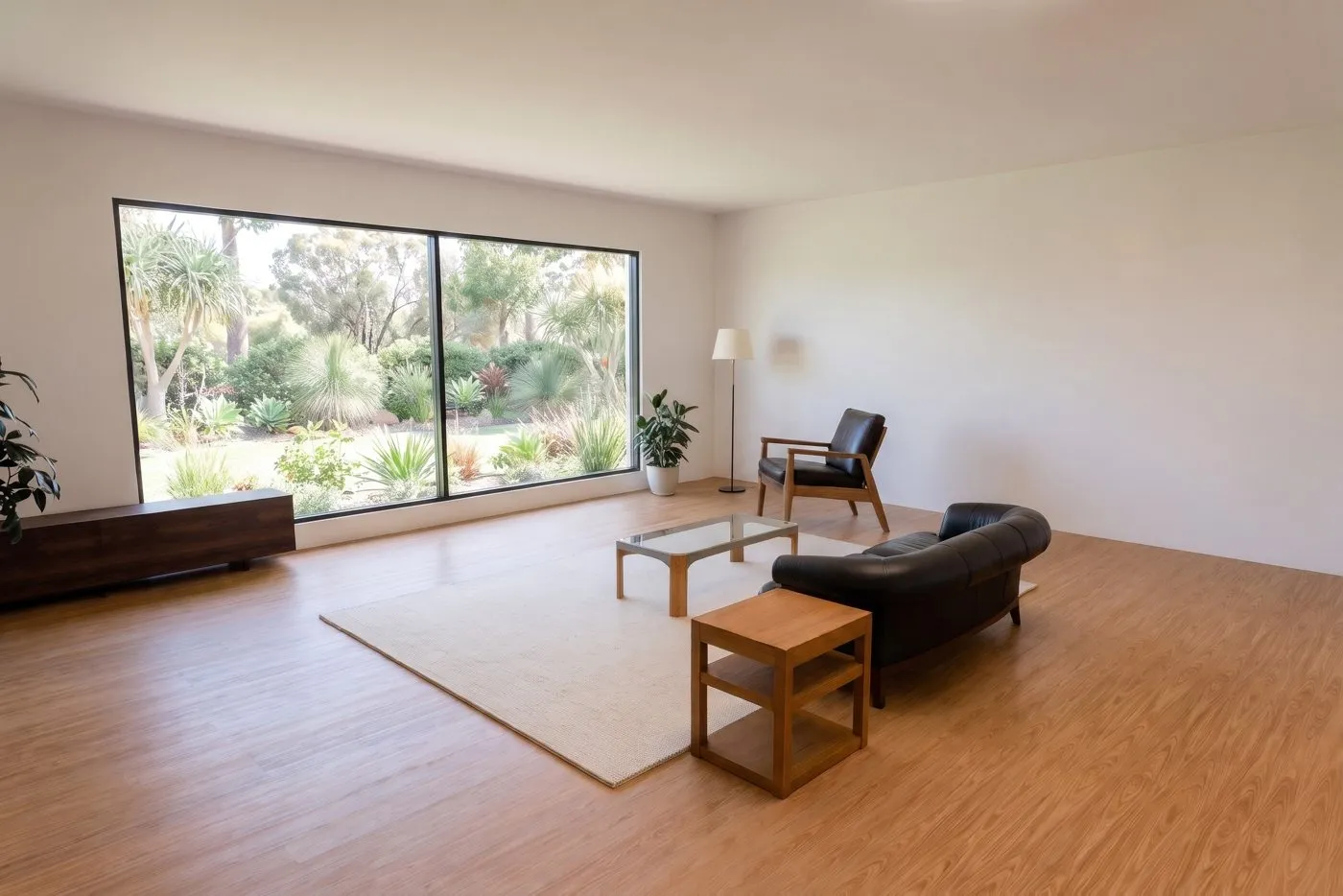
Staged and renovated photos show what a space could look like. Label them as illustrative images in your listing.
3. AI Video from Photo
AI brings a single still photo to life as a 3 to 15 second video: a drone glide, a slow push-in, a walk into the room, a pan, or a day to night change.
4. AI Social Clip
Choose your photos and videos, write a few words about the property, and AI does the rest: it reviews and picks the best shots, writes the edit script, composes original music, adds text, effects and a location map, and can add an AI voice-over in English or Vietnamese. Clips run from 15 seconds to 3 minutes, in vertical, square or landscape format. Not happy? Describe what to change and AI revises the clip and keeps the music.
5. AI Slideshow
The quickest video for a listing. Pick 3 to 12 photos in order and the app turns them into a 15 or 30 second video with slow zooms, transitions, a title, music and a closing card with your contact details and logo. Export in landscape 16:9, vertical 9:16 for Reels and TikTok, or square 1:1.
6. AI Property Website
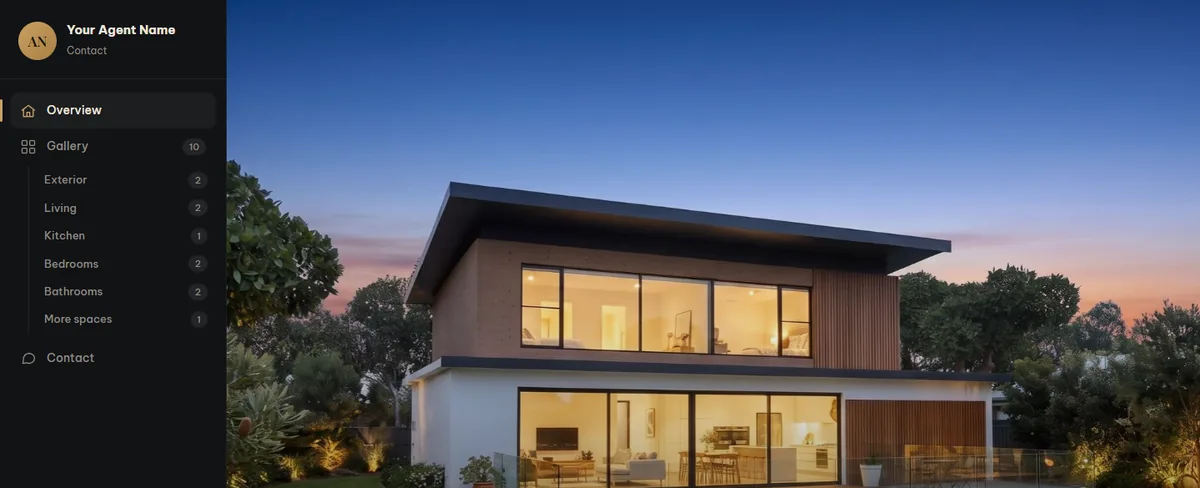
One link for buyers instead of a folder of files: photos grouped by room, your videos, a map, and contact and share buttons. Preview it, edit the text, switch themes or hide the page at any time. A print-ready brochure can be made from the same listing.
7. AI Floor Plans 2D & 3D
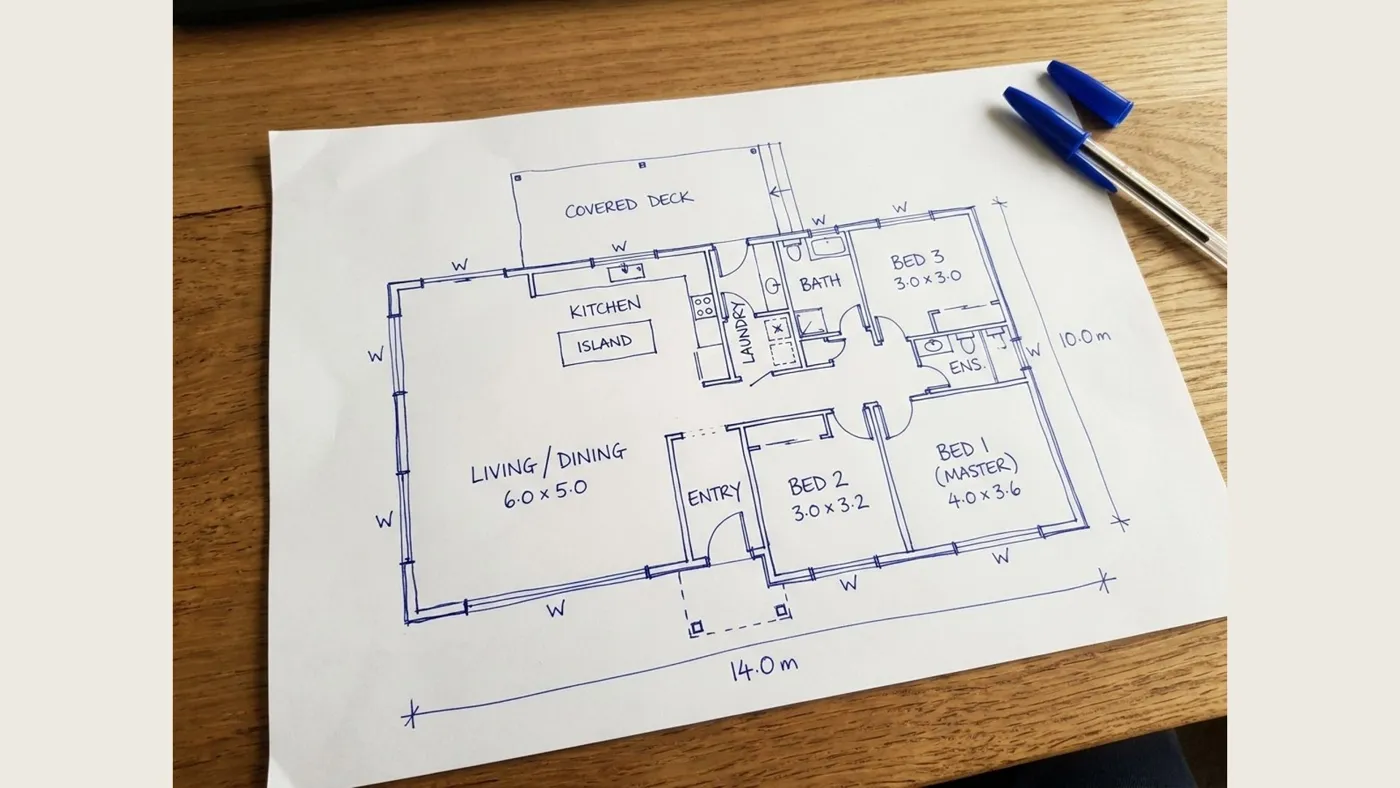
Take a photo of a pencil or pen sketch. AI reads the rooms and measurements, redraws an accurate 2D floor plan in six styles (colour, black and white, blueprint, dark luxury, watercolour or your brand colours) and builds a furnished 3D floor plan in one of 18 interior styles such as Scandinavian, Japandi, Hamptons, Art Deco and Mediterranean. You also get room areas and the total floor area, a print pack in A4 and A3, and a CAD file (.dxf) that opens in AutoCAD and SketchUp.
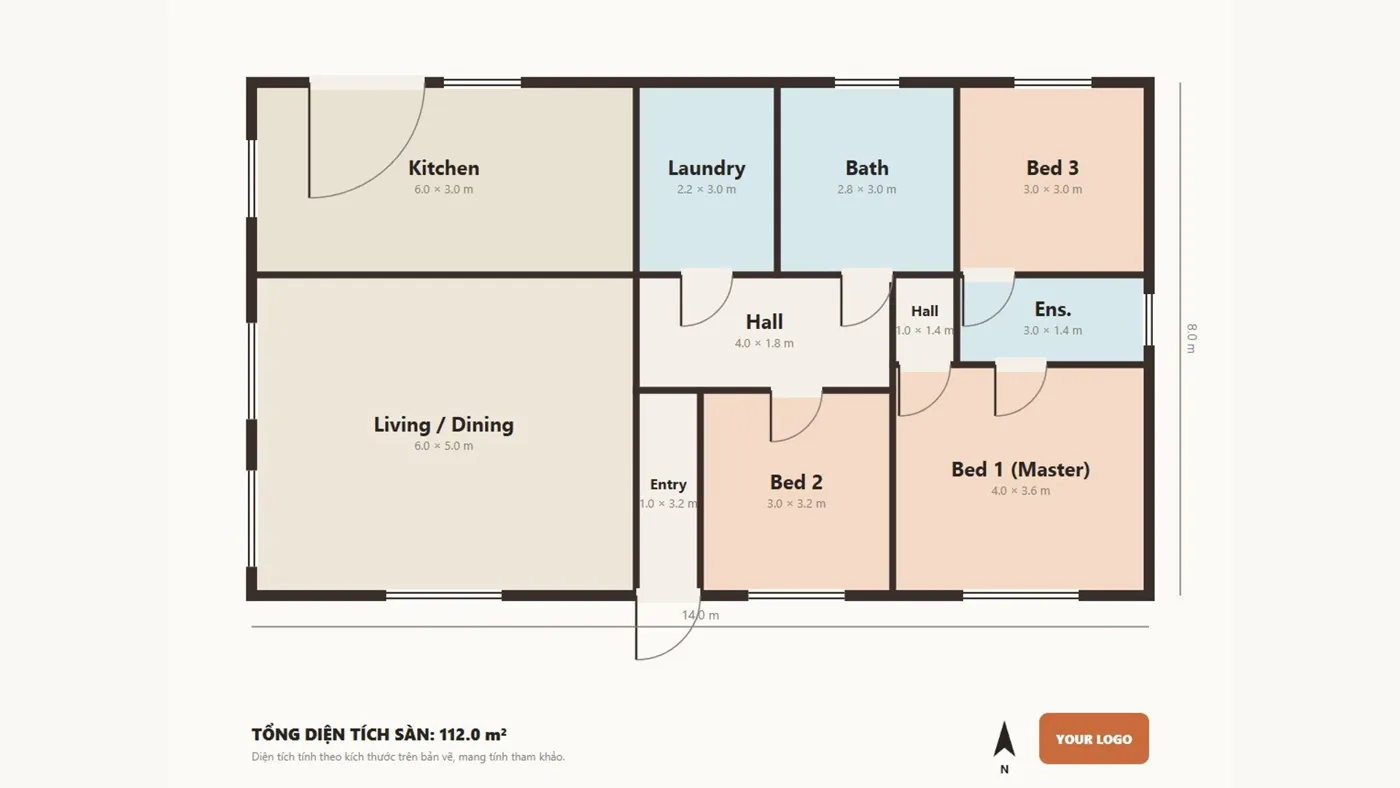
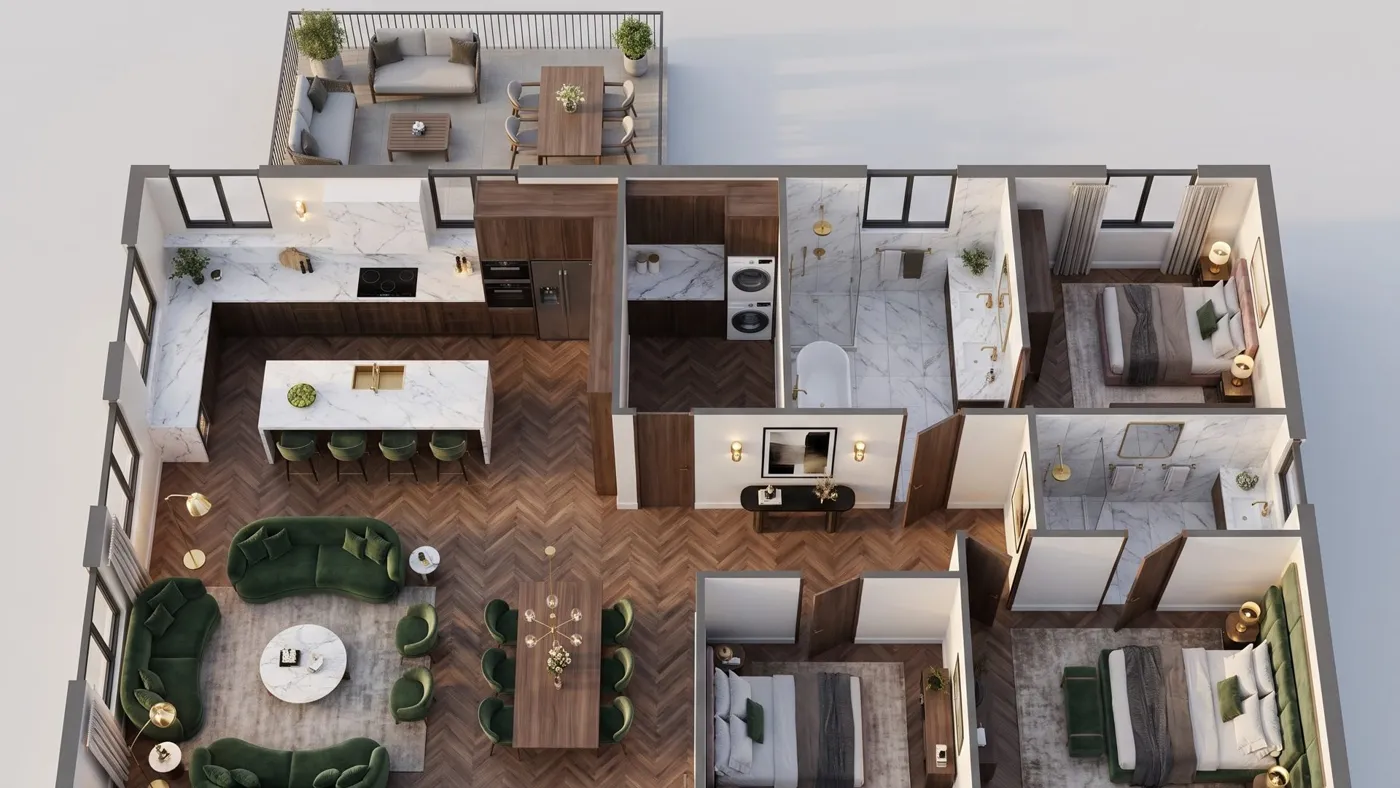
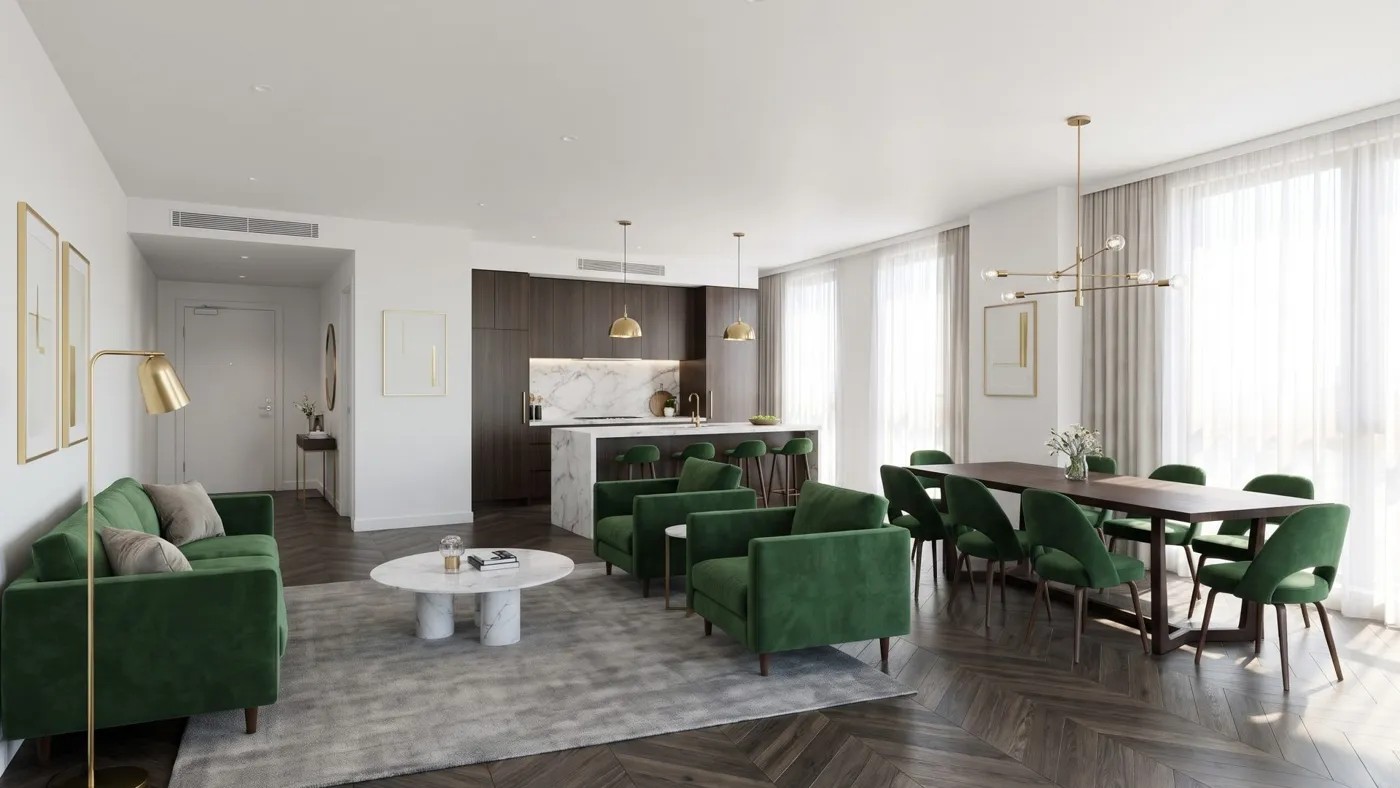
From the 3D plan, AI can also create a photo of each room and put them together into a video tour, so a home that is not built yet can still be marketed:
How to start
- Create an account at studio.we-edit.com.vn. New accounts get 20 free credits.
- Upload photos, choose a product, and check the price shown before you run it.
- Download your results, or share the property website link.
Credits are prepaid, with no subscription. If a job fails for a technical reason, the credits go back to your wallet automatically.
Studio AI or We-Edit human editing?
| Studio AI | We-Edit human editing | |
|---|---|---|
| Who does the work | AI, automatically | Trained editors |
| Quality check | You review the result | Separate QC editor, every image |
| Speed | Minutes | Overnight |
| Best for | Quick jobs, previews, videos and marketing | Premium listings, complex edits, volume |
Many photographers use both: Studio AI for speed and marketing extras, and human editing for the photos that sell the home.